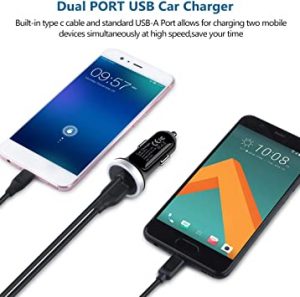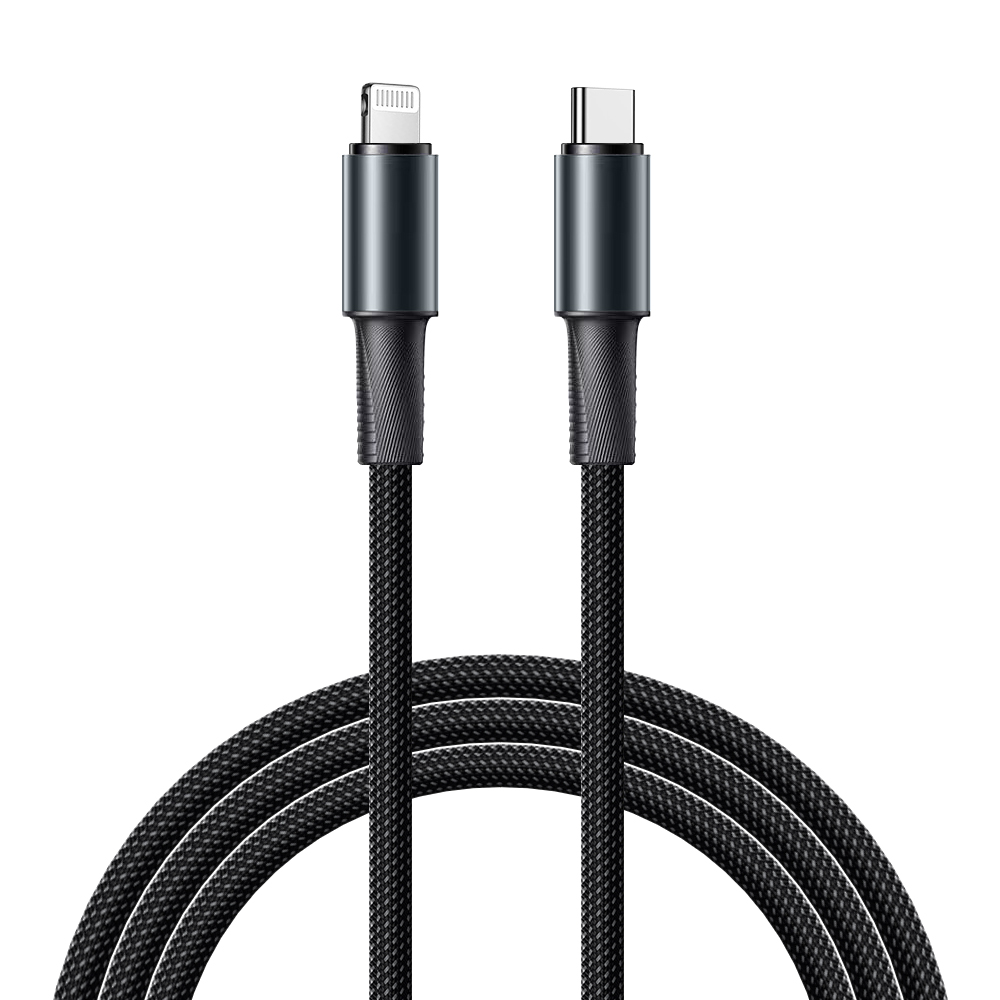
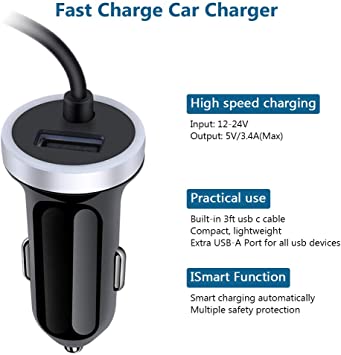
How to choose a better car charger?

fast charge car charger

If you’ve recently purchased a new smartphone, tablet, laptop, or charging cable, you’ve probably noticed that more and more devices are using USB-C instead of the traditional USB-A connector.

This raises a common question:

Is USB-C better than USB?

The short answer is:

Yes—but not in every situation.

Many people think that USB-C is simply a newer version of USB. In reality, USB-C refers to the connector shape, while USB refers to the entire Universal Serial Bus standard that includes different connector types and communication protocols.

Understanding this difference is essential when choosing a charging cable, data cable, or electronic device.

In this guide, we’ll explain the differences between USB-C and traditional USB, compare their advantages and disadvantages, and help you decide which one is best for your needs.

Image

What Is USB?

Before comparing the two, it’s important to understand that:

USB (Universal Serial Bus)

is a communication standard.

It defines how devices:

Transfer data

Deliver power

Communicate with each other

Over the years, USB has evolved through several generations, including:

USB 1.1

USB 2.0

USB 3.0

USB 3.1

USB 3.2

USB4

USB is not a connector by itself.

Instead, it includes several connector types, such as:

USB-A

USB-B

Micro USB

Mini USB

USB-C

So, USB-C is actually one type of USB connector, not a completely different technology.

Image

What Is USB-C?

USB-C

is the latest USB connector design.

Unlike older USB connectors, USB-C was created to support:

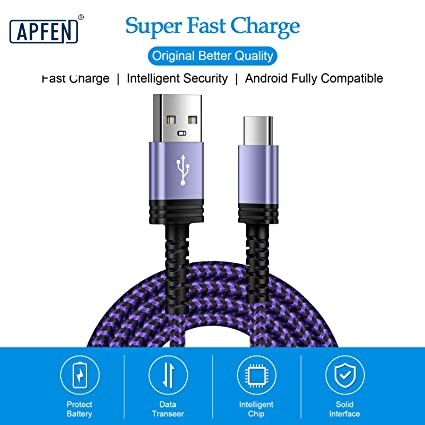
Faster charging

Higher power delivery

Faster data transfer

Video output

Audio transmission

One connector can perform many different tasks.

That’s one reason USB-C is quickly becoming the global standard.

USB-C vs USB-A: What’s the Difference?

The biggest difference is the connector design.

USB-A

Rectangular shape

Only plugs in one direction

Mostly found on older computers and chargers

USB-C

Smaller and more compact

Reversible design

Can be inserted either way

Used on most modern smartphones, tablets, and laptops

The reversible connector is one of the reasons users prefer USB-C.

No more flipping the cable over to find the correct orientation.

Image

1. USB-C Supports Faster Charging

One of the biggest advantages of:

USB-C

is charging power.

Traditional USB-A cables typically support lower charging power.

Modern USB-C cables can support:

60W

100W

140W

240W USB Power Delivery (PD 3.1)

This means a single USB-C cable can charge:

Smartphones

Tablets

Laptops

Gaming handhelds

Portable monitors

USB-A simply wasn’t designed for these high-power applications.

Image

2. USB-C Offers Faster Data Transfer

Data speed is another major advantage.

Typical USB-A devices may operate at:

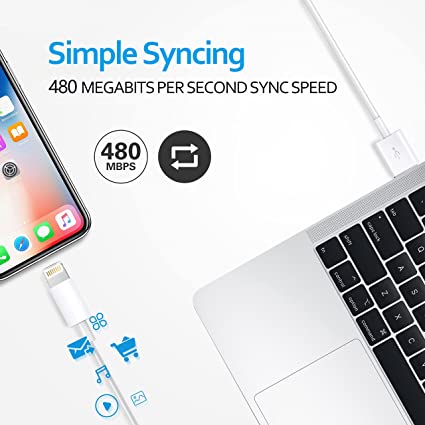
USB 2.0 (480 Mbps)

USB 3.0 (5 Gbps)

Modern USB-C cables may support:

USB 3.2 (20 Gbps)

USB4 (40 Gbps)

USB4 Version 2.0 (up to 80 Gbps under supported configurations)

Large files, high-resolution videos, and backups transfer much faster over supported USB-C connections.

3. USB-C Supports Video Output

A standard USB-A port cannot normally output video.

Many USB-C ports support:

DisplayPort Alt Mode

HDMI adapters

External monitors

4K and higher-resolution displays

One cable can handle:

Charging

Data

Video

Audio

This reduces cable clutter.

4. USB-C Is Reversible

One of the most appreciated improvements is:

Reversible Connector Design

USB-A users often experience this familiar problem:

Wrong side.

Flip it.

Still wrong.

Flip it again.

USB-C eliminates this frustration because either side works.

Image

5. USB-C Is Better for Fast-Charging Technology

Modern fast charging standards rely heavily on USB-C.

Examples include:

USB Power Delivery (PD)

PPS (Programmable Power Supply)

These technologies allow devices to negotiate voltage and current safely.

Many high-power USB-C cables also include:

E-Marker Chips

which communicate cable capabilities and enable safe high-current charging.

6. USB-C Supports More Functions

A single USB-C cable may support:

Charging

Data transfer

Video output

Audio transmission

External storage

Docking stations

Ethernet adapters

USB-A generally supports fewer functions in one connection.

Image

Is USB-C Always Better?

Although USB-C offers many advantages, it is not always the better choice.

USB-A still has strengths.

For example:

Many offices still use USB-A peripherals such as:

Keyboards

Mice

Flash drives

Printers

Barcode scanners

Older computers may not have USB-C ports.

In these cases, USB-A remains practical.

Does Every USB-C Cable Have the Same Performance?

This is one of the biggest misconceptions.

The answer is:

No

Two USB-C cables may look identical but perform very differently.

Some support:

Charging only

Others support:

240W charging

USB4 high-speed data

Video output

Thunderbolt compatibility

Always check the cable specifications before purchasing.

Image

USB-C vs USB-A Comparison Table

FeatureUSB-CUSB-A
Connector DesignReversibleOne-way insertion
Maximum Charging PowerUp to 240W (supported hardware required)Generally much lower
Maximum Data SpeedUp to 80 Gbps (USB4 Version 2.0 supported hardware)Typically lower
Video OutputSupported on compatible devicesGenerally not supported
Audio SupportYesLimited
Fast ChargingExcellentLimited
Future CompatibilityExcellentGradually declining

Why Are More Manufacturers Switching to USB-C?

Manufacturers prefer USB-C because it offers:

One universal connector

Smaller device designs

Higher charging power

Better user experience

Support for future technologies

Today, many new:

Smartphones

Tablets

Laptops

Power banks

Monitors

use USB-C as their primary connector.

Should You Replace Your USB-A Cables?

Not necessarily.

If your existing devices use USB-A and everything works well, there is no urgent need to replace them.

However, if you’re purchasing new devices or accessories, choosing USB-C is generally a better long-term investment because it offers greater flexibility and compatibility with modern technology.

Image

Conclusion

If you’re asking:

Is USB-C Better Than USB?

The answer is:

Yes—USB-C is generally the better connector for modern devices.

Compared with traditional USB-A, USB-C offers:

Faster charging

Higher power delivery

Faster data transfer

Video and audio support

Reversible connector design

Better compatibility with future devices

However, USB-A still remains useful for many legacy devices and accessories.

As technology continues to evolve, USB-C is becoming the universal standard for charging, data transfer, and multimedia connectivity.

Choosing a high-quality USB-C cable today will help ensure better performance and compatibility for years to come.

USB cable.

Picture this: You’re sitting at your desk, engrossed in a project

Where Can I Buy a High-Quality Pd Fast Charging Cable?

FAQ

USB-C cables certainly.

Share This Artcle:

Fast delivery

Fast delivery

Fastest delivery within 22 days

Quick proofing

Quick proofing

Fastest 3-day proofing cycle

After-sale protection

After-sale protection

24-month long warranty

1V1Customer Service

1V1Customer Service

Professional customer service follow-up

Lorem ipsum dolor sit amet, consectetur adipiscing elit. Ut elit tellus, luctus nec ullamcorper mattis, pulvinar dapibus leo.

Scroll to Top