
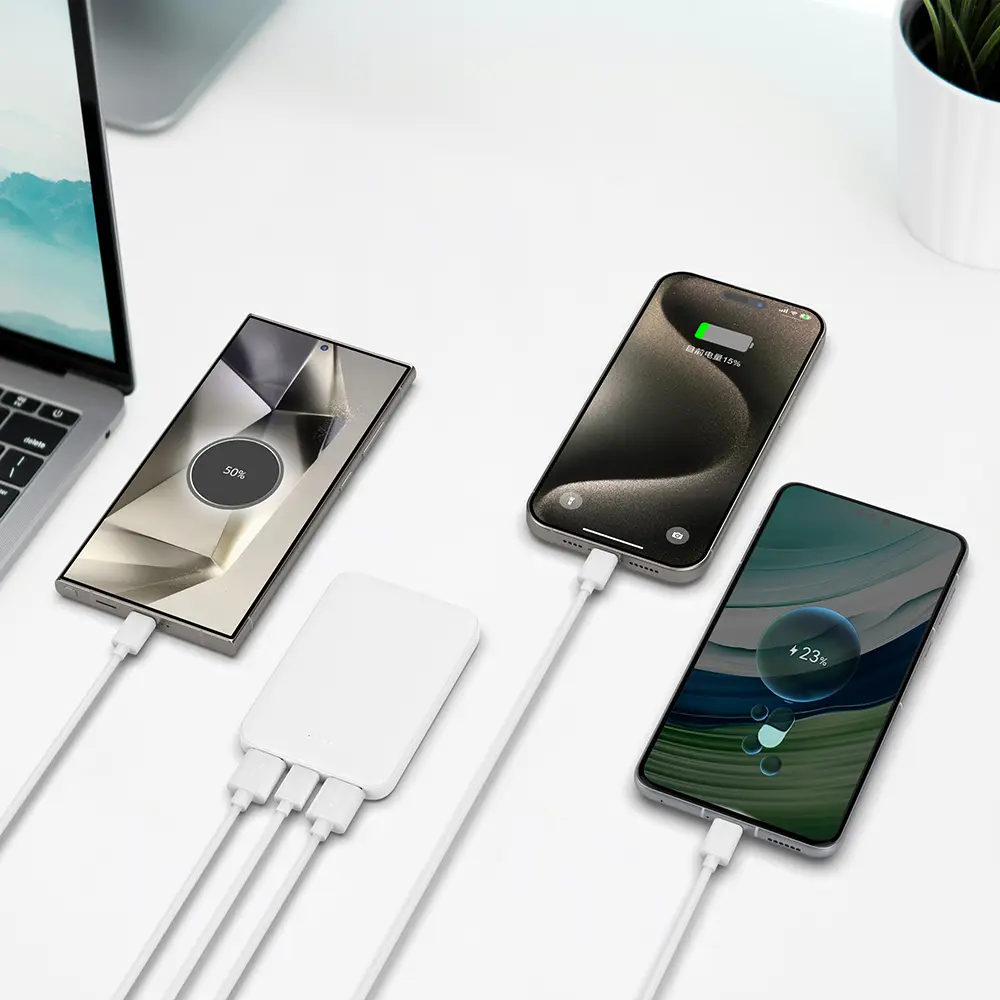
Modern people can’t live without their phones, but many have the same problem—charging the phone is too slow. Sometimes when you’re out, your battery is at 20%, but charging feels like a turtle crawling. Actually, making your phone charge quickly is not magic, and you don’t need to spend a lot of money on weird devices. As long as you master a few key points, you can charge your phone fast and safely. Here, I’ll use plain language to explain the ways to charge your phone quickly.
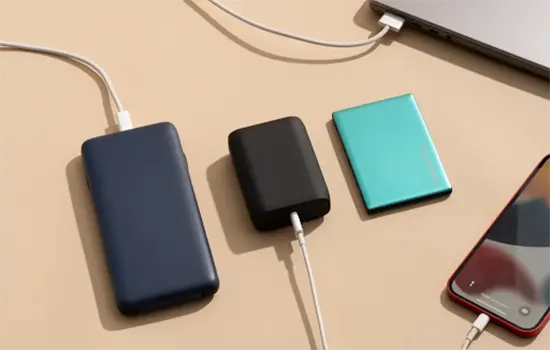
1. Use the Original or High-Quality Fast Charger
First and most importantly, it’s the charger. Many people use old or low-quality third-party chargers, which can seriously slow down charging speed.
Original chargers usually indicate power, like 18W, 20W, 30W, which is the key for fast charging.
If you use a high-quality third-party charger, make sure it supports your phone’s fast-charging protocol, like QC 3.0 or PD (Power Delivery) fast charge.
Don’t try to save money by buying low-power chargers; no matter how good your phone is, it won’t charge fast.
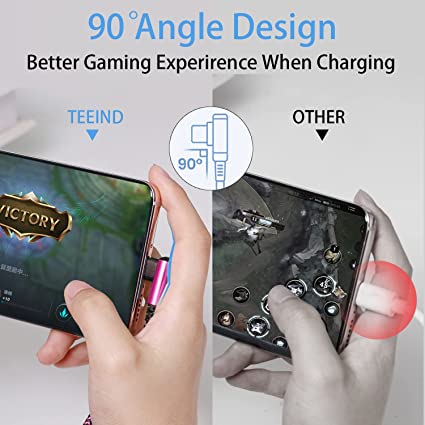
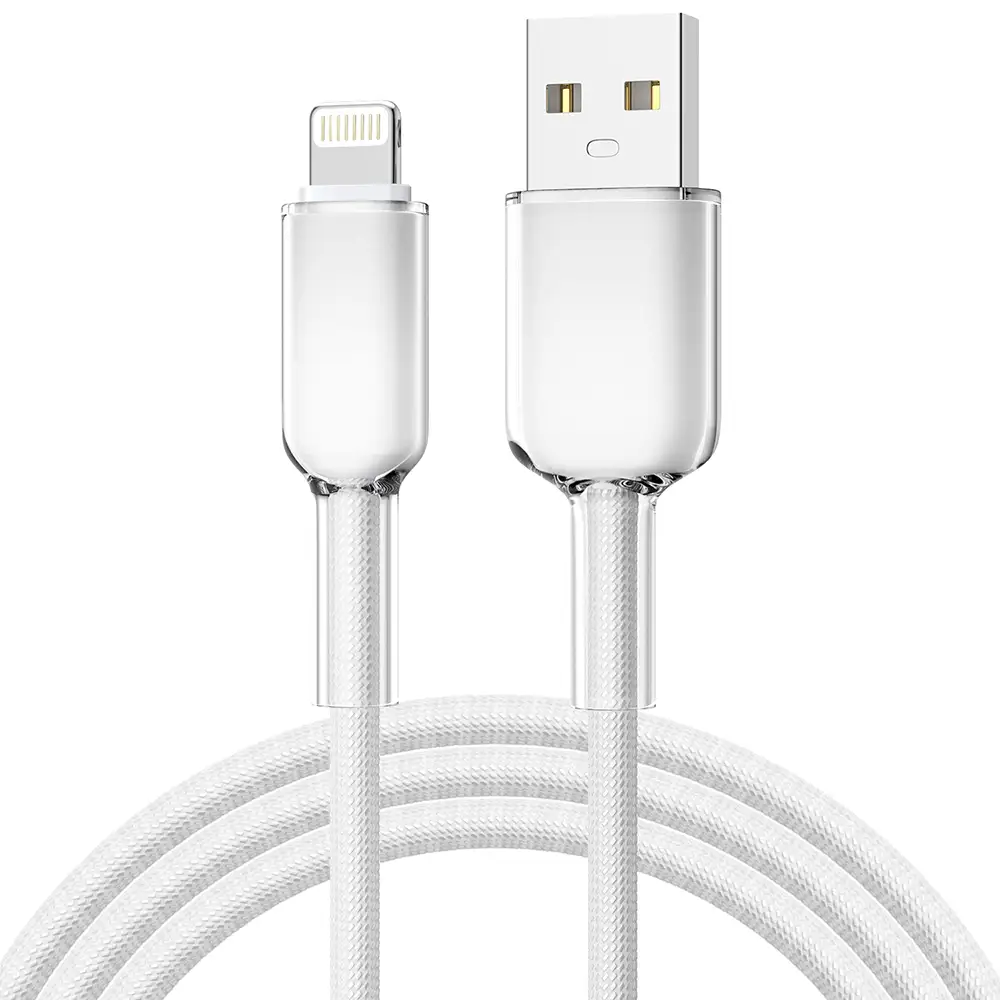
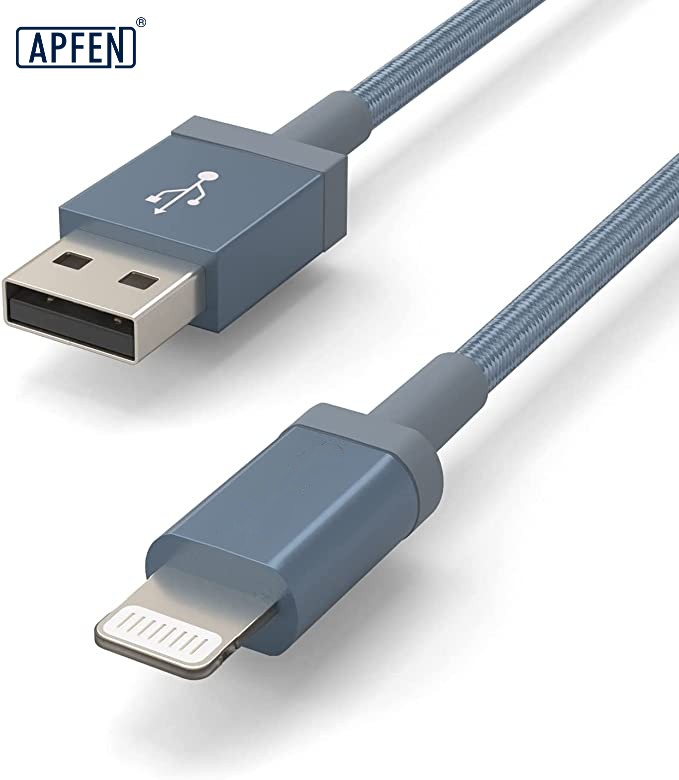
2. Choosing the Right Charging Cable is Also Important
You might overlook a detail—the charging cable.
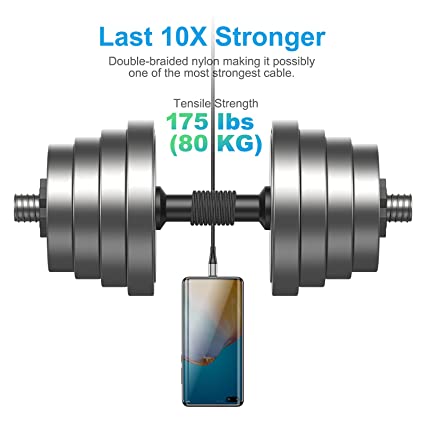
Many people just use any cable, but if it’s old or low quality, the current is insufficient, and charging becomes painfully slow.
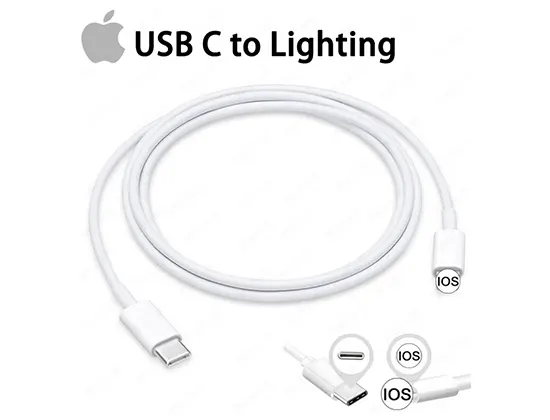
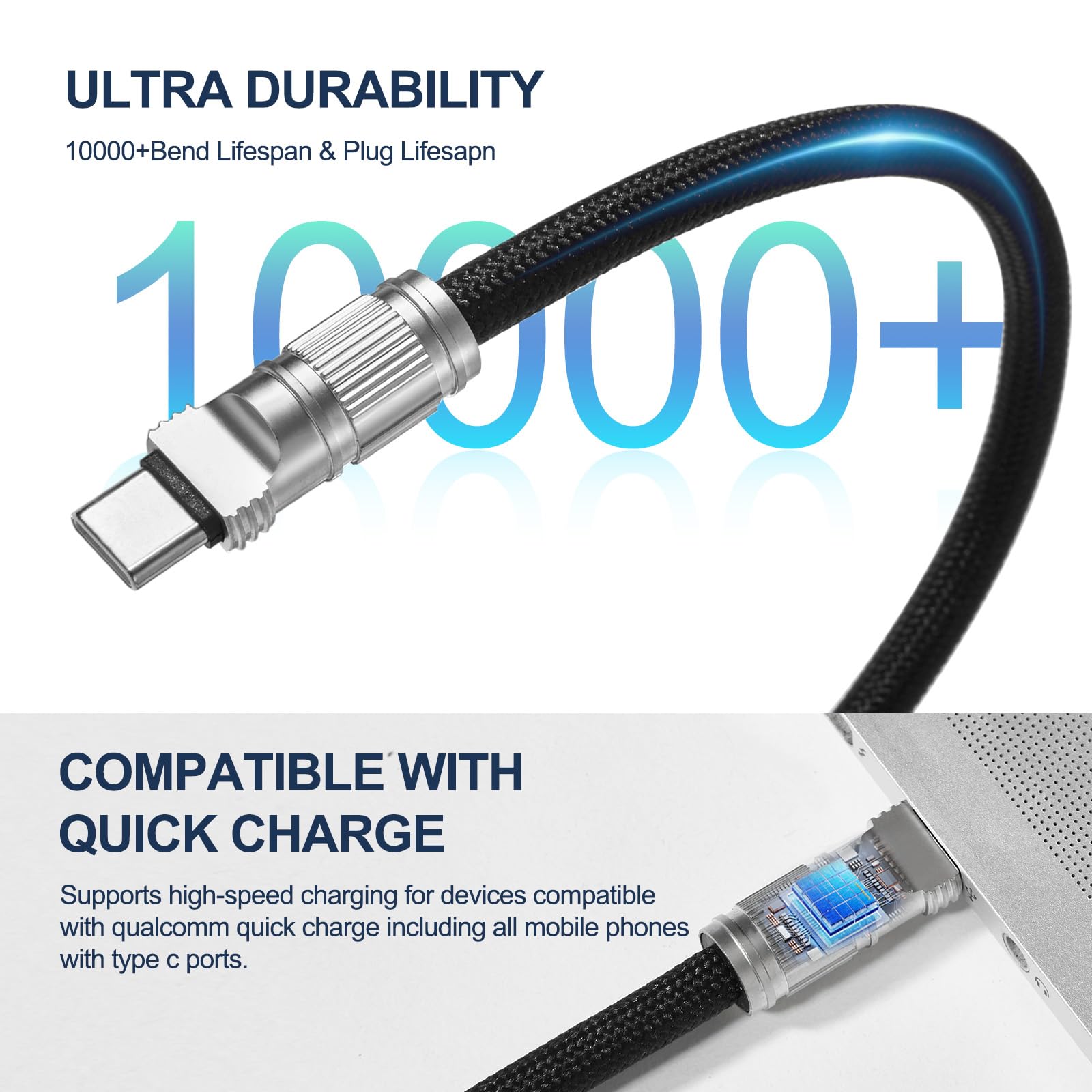
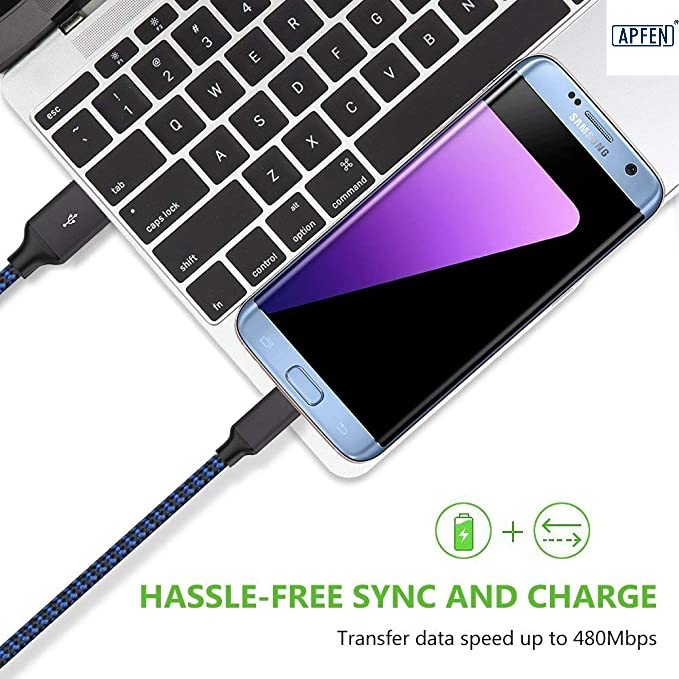
USB-C or Lightning original cables are the most reliable and support fast charging and data transfer.
Some high-quality third-party cables also support fast charging, but make sure they match your device’s power and protocol.
Pay attention to cable length too; shorter cables reduce loss and charge faster.
3. Turn on Airplane Mode or Power Off While Charging
While charging, if you keep using WeChat, TikTok, or playing games, charging efficiency drops.
Turning on airplane mode can block most power-draining functions, making charging noticeably faster.
If possible, charging with the phone off is even better, especially when the battery is low. The phone consumes almost no power and charges at nearly full speed.
4. Avoid Using Your Phone While Charging
Everyone has this bad habit—using the phone while charging.
This not only makes your phone heat up but also slows down fast charging speed, and it may even affect battery life.
The most scientific approach is to use your phone as little as possible while charging, letting it “focus” on charging.
5. Keep Your Phone and Environment at a Moderate Temperature
You might not know, temperature greatly affects phone fast charging.
When the phone heats up during charging, the system reduces power to protect the battery, so fast charging slows down.
Don’t charge your phone under direct sunlight in summer, and in winter, try to charge it at room temperature.
Using a thick phone case may also affect heat dissipation, so consider removing it temporarily.
6. Charging Percentage Tips
If you want to charge your phone quickly to 80%, here are some tips:
When battery is below 20%, charging is the fastest. Fast charging mode is usually most effective in the first half of the battery percentage.
After reaching 80%, charging slows down gradually to protect the battery.
So if you’re in a hurry, 80% is usually enough for daily use, no need to chase 100%.
Summary
To make your phone charge quickly, the core points are three:
Use the right charger and cable
Reduce usage and control temperature
Master charging tips
Follow these methods, and you’ll find your phone charges much faster, no more waiting anxiously. Remember, fast charging is not just about speed, it’s about safety. Don’t risk damaging the battery just for speed.

Fast delivery
Fastest delivery within 22 days

Quick proofing
Fastest 3-day proofing cycle

After-sale protection
24-month long warranty

1V1Customer Service
Professional customer service follow-up