
Does USB-C Cable Length Affect Charging Speed and Data Transfer?
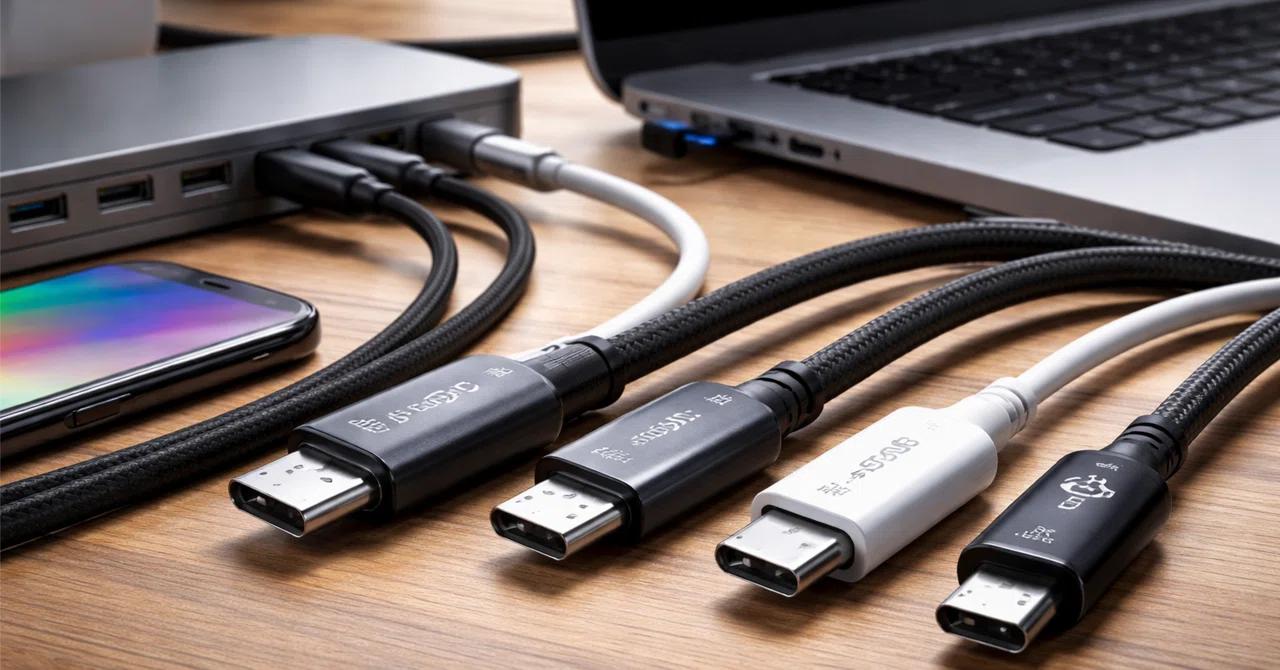
Yes, USB-C cable length can affect both charging performance and data-transfer speed. Longer cables generally have higher electrical resistance, which can increase voltage drop during charging. For high-speed data transfer, longer cables can also cause signal loss and reduce connection stability. However, cable quality, conductor size, shielding, and cable design are just as important as length.
For importers, wholesalers, and private-label brands, choosing the right cable length is essential for balancing charging performance, data speed, product cost, and customer requirements.
1. Does a Longer USB-C Cable Charge More Slowly?
A longer USB-C cable can charge more slowly if its electrical resistance is too high for the required current.
When electricity flows through a cable, some voltage is lost because of conductor resistance. This is known as voltage drop.
The longer the conductor, the greater its resistance, assuming the same material and cross-sectional area.
The relationship can be explained using Ohm’s law:
Voltage Drop (V) = Current (A) × Resistance (Ω)
For example, if a cable has a resistance of 0.1Ω and carries 3A:
[3A \times 0.1\Omega = 0.3V]
This means approximately 0.3V is lost across that resistance.
At higher charging currents, resistance becomes particularly important because voltage drop increases with current.
What Factors Affect Charging Performance?
Cable length: Longer conductors generally have higher resistance.
Wire gauge: Thicker conductors generally have lower resistance.
Conductor material: Copper is commonly used because of its good electrical conductivity.
Connector quality: Poor electrical contacts can increase total resistance.
Charging current: Higher current increases voltage drop for a given resistance.
Cable construction: The internal wiring and connection design affect overall electrical performance.
A well-designed 2-meter cable can outperform a poorly designed 1-meter cable. Therefore, shorter does not automatically mean better.
2. Does USB-C Cable Length Affect Charging Power?
Yes, cable length can affect the power that reaches a device, particularly when the cable has excessive resistance.
However, the actual charging power also depends on the charger, device, and negotiated USB Power Delivery (USB PD) mode.
Example: 60W, 100W, and 240W USB-C Cables
| Cable Power Capability | Typical Voltage and Current | Maximum Power | What Buyers Should Consider |
|---|---|---|---|
| 60W | 20V / 3A | 60W | Check conductor resistance and cable length |
| Traditional 100W | 20V / 5A | 100W | Requires appropriate E-Marker identification for 5A operation |
| 240W | 48V / 5A | 240W | Requires an EPR-capable E-Marker and suitable cable construction |
These are maximum cable power capabilities under the relevant USB PD conditions, not guaranteed charging speeds.
A longer cable intended for 100W or 240W charging needs suitable conductor sizing, connector design, and electrical validation.
Important: A 240W cable does not automatically deliver 240W to every device. The charger, cable, and device must all support the required power level.
For more information, see our related article: 60W vs. 100W vs. 240W USB-C Cables: What Is the Difference?
3. Does a Longer USB-C Cable Reduce Data Transfer Speed?
Yes, cable length can affect data-transfer performance, especially at higher USB speeds.
Unlike charging, which is mainly affected by electrical resistance and voltage drop, high-speed data transfer depends heavily on signal integrity.
As signals travel through a cable, they can experience:
Signal attenuation.
Reflections.
Crosstalk.
Electromagnetic interference.
Timing and signal-quality problems.
These issues become more difficult to control as data rates increase.
A cable that works reliably at USB 2.0 speeds may not support USB 3.2 or USB4 performance at the same length.
USB Data Speed and Cable Length
| USB Standard | Maximum Signaling Speed | Length Considerations |
|---|---|---|
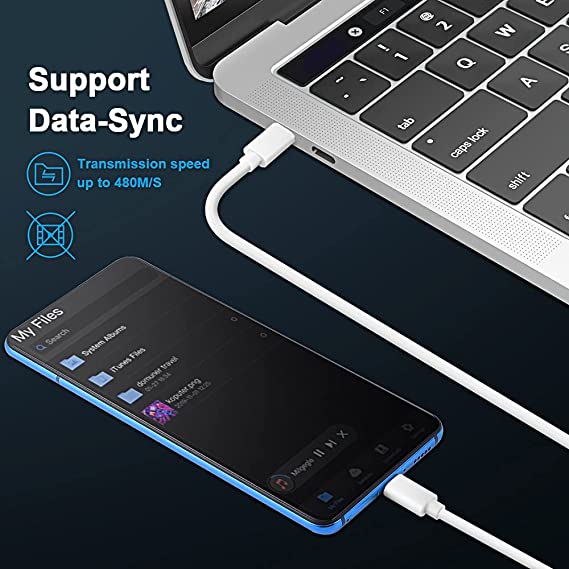
| USB 2.0 | 480Mbps | Generally more tolerant of longer passive cable designs |
| USB 3.2 Gen 1 | 5Gbps | Requires appropriate high-speed signal construction |
| USB 3.2 Gen 2 | 10Gbps | More demanding signal-integrity requirements |
| USB 3.2 Gen 2×2 | 20Gbps | Requires suitable cable design and testing |
| USB4 Version 1.0 | 40Gbps | Passive cable length is more restricted by signal requirements |
| USB4 Version 2.0 | 80Gbps | Requires a cable designed and validated for the relevant 80Gbps capability |
These are signaling rates, not guaranteed file-transfer speeds. The practical cable length depends on the complete design, cable type, certification requirements, and supported operating mode.
4. What Is the Difference Between 1m, 1.5m, 2m, and 3m USB-C Cables?
Cable length affects both product usability and technical performance.
For B2B buyers, the most common commercial lengths include 0.5m, 1m, 1.5m, and 2m. Longer options may also be required for particular applications.
USB-C Cable Length Comparison
| Cable Length | Main Advantages | Potential Limitations | Typical Applications |
|---|---|---|---|
| 0.5m | Compact and convenient for short connections | Limited reach | Power banks, desktop charging |
| 1m | Good balance of convenience and performance | May be too short for some setups | Smartphones, tablets, laptops |
| 1.5m | More flexibility for everyday use | Requires appropriate electrical design | Home and office charging |
| 2m | Greater reach and convenience | Higher resistance if conductor design is unchanged | Bedside, office, and laptop charging |
| 3m or longer | Useful when the power source is far away | More demanding power and signal requirements | Extended charging applications |
There is no universal rule that every 2-meter cable will charge slowly or every 3-meter cable will transfer data poorly.
A properly engineered longer cable can maintain good performance. The important factor is whether its construction meets the required electrical and data specifications.
5. Why Do High-Speed USB-C Cables Usually Need Shorter Lengths?
High-speed data signals are more sensitive to cable construction and signal loss.
As data rates increase, the cable must maintain tighter electrical characteristics to transmit signals reliably.
This is why a passive USB4 cable supporting 40Gbps is often much shorter than a basic USB 2.0 charging cable.
Passive USB-C Cables
A passive cable uses conductors and other passive components without active signal-conditioning electronics.
Advantages include:
Generally lower manufacturing complexity.
No active signal-conditioning components.
Suitable for many everyday charging and data applications.
Often more cost-effective.
However, maintaining very high data rates over longer distances can be challenging.
Active USB-C Cables
An active cable includes electronic components that help maintain signal quality over longer distances.
Depending on the design, these may include redrivers or retimers.
Advantages include:
Can support longer high-speed connections.
Helps manage signal degradation.
Suitable for certain advanced USB4 and Thunderbolt applications.
Potential disadvantages include:
Higher manufacturing cost.
More complex internal construction.
Additional compatibility and validation requirements.
Not every active cable supports every USB-C protocol or power capability.
B2B purchasing tip: If your customers require a long cable for USB4 or high-speed external storage, ask whether the product is passive or active and request evidence of its supported speed at the specified length.
6. Does a Thicker USB-C Cable Charge Faster?
Not necessarily, but conductor size can make a significant difference to charging performance.
A thicker conductor generally has lower electrical resistance than a thinner conductor of the same material and length.
The American Wire Gauge (AWG) system is commonly used to describe conductor size.
A lower AWG number means a thicker conductor.
24AWG vs. 26AWG vs. 28AWG
| Wire Gauge | Relative Conductor Size | General Electrical Consideration |
|---|---|---|
| 24 AWG | Thicker | Generally offers lower resistance |
| 26 AWG | Medium | Performance depends on cable design |
| 28 AWG | Thinner | Generally has higher resistance for the same material and length |
These are general conductor comparisons, not automatic power-rating approvals.
The appropriate wire gauge depends on the cable’s rated current, length, conductor material, number of conductors, and complete assembly design.
A cable with thicker power conductors may reduce voltage drop, but its data performance still depends on the high-speed signal-pair design, impedance control, shielding, and other electrical characteristics.
What Should Buyers Ask Manufacturers?
What conductor material is used?
What AWG specifications are available?
What is the conductor resistance?
What maximum current does the cable support?
What lengths have passed electrical testing?
Are the same electrical specifications maintained across different lengths?
For more information, read our article: USB-C Cable Wire Gauge: 24AWG vs. 26AWG vs. 28AWG.
7. How Does Cable Length Affect USB 2.0, USB 3.2, and USB4 Performance?
Different USB standards have different signal-integrity requirements.
The higher the data rate, the more carefully the cable must be designed and validated.
USB 2.0 Cables
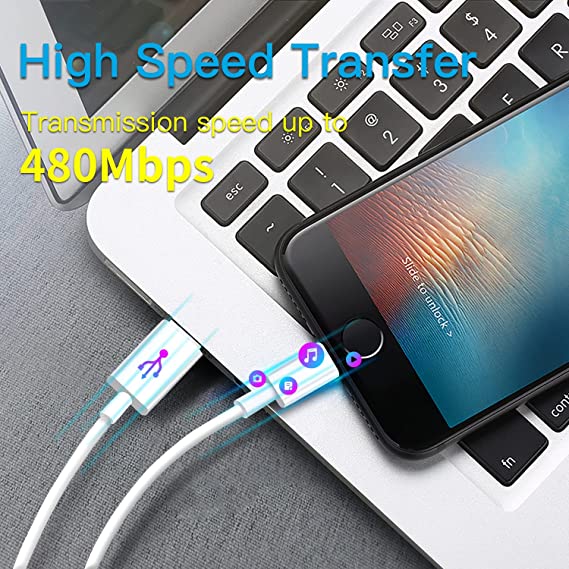
USB 2.0 supports a maximum signaling rate of 480Mbps.
It is widely used in charging cables and basic data-transfer applications.
For many smartphone charging products, USB 2.0 can be sufficient even when the cable is 1m or 2m long, provided the electrical and data requirements are met.
USB 3.2 Cables
USB 3.2 supports 5Gbps, 10Gbps, and 20Gbps configurations.
These cables require additional high-speed signal paths and more demanding electrical performance.
As cable length increases, maintaining the required signal quality becomes more challenging.
USB4 Cables
USB4 supports 20Gbps and 40Gbps configurations, while USB4 Version 2.0 extends performance to 80Gbps.
These products require carefully controlled signal paths and appropriate cable construction.
For high-speed passive cables, shorter lengths are often more practical. Longer connections may require an active cable or a different validated design.
Practical Guidance for High-Speed Cable Buyers
Some manufacturer and platform guidelines provide indicative passive-cable length recommendations for particular data rates. For example, Google’s ChromeOS cable guidance recommends shorter passive lengths for higher-speed USB4 configurations.
These are design recommendations for specific use cases, not universal maximum-length limits for every certified cable.
Buyers should confirm the exact data speed and supported length on the manufacturer’s specification sheet.
8. How Should Importers and Wholesalers Choose the Right USB-C Cable Length?
The best cable length depends on the target market and intended application.
Choose 0.5m or 1m for Compact Charging Products
These lengths are suitable for:
Power banks.
Portable chargers.
Desktop charging stations.
Short-distance device connections.
Compact accessory collections.
They are also useful for customers who prefer less cable clutter.
Choose 1.5m or 2m for Everyday Charging
These lengths are popular for:
Smartphones.
Tablets.
Laptops.
Home charging.
Office charging.
Bedside charging.
They offer more flexibility when the charging outlet is not close to the device.
Choose Longer Cables for Specific Applications
Cables longer than 2m may be useful for certain home, office, or commercial applications.
However, buyers should pay closer attention to:
Conductor resistance.
Maximum rated current.
Voltage drop.
Connector quality.
Data-transfer speed.
Cable construction and testing.
For high-speed data applications, a longer cable should be validated at its advertised speed rather than assumed to perform like a shorter version.
B2B Cable Length Selection Guide
| Target Market | Recommended Length Options | Main Consideration |
|---|---|---|
| Smartphone accessory retailers | 1m, 1.5m, 2m | Convenience and charging performance |
| Power bank brands | 0.5m, 1m | Compact design |
| Laptop accessory distributors | 1m, 1.5m, 2m | Power rating and device compatibility |
| Office accessory wholesalers | 1.5m, 2m | Flexible everyday use |
| External SSD brands | Based on data-speed requirements | Signal integrity and certified performance |
| Premium USB4 accessory brands | Short passive or validated active designs | High-speed signal performance |
9. How Can Buyers Test USB-C Cable Performance at Different Lengths?
For importers and wholesalers, testing different cable lengths before bulk production can help prevent inconsistent product performance.
A 1m sample passing inspection does not automatically mean that the 2m version will achieve the same electrical results.
Recommended Quality Tests
1. DC Resistance Test
Measure conductor resistance using a suitable method. Compare results across different cable lengths.
2. Voltage Drop Test
Operate the cable under the specified current and measure the voltage drop across the cable assembly.
3. Charging Performance Test
Use compatible USB PD test equipment to verify the expected voltage, current, and power.
4. Temperature-Rise Test
Check temperature under defined operating conditions, especially for high-current cable designs.
5. Data-Transfer Test
Verify the advertised data speed using suitable host devices, test equipment, and test procedures.
6. Signal Integrity Test
For high-speed cables, use appropriate test equipment to assess relevant parameters such as insertion loss, return loss, and crosstalk.
7. Mechanical Durability Test
Check connector retention, cable bending, pull strength, and strain relief.
Cable Length Quality Control Checklist
| Inspection Item | What to Check | Purpose |
|---|---|---|
| Cable length | Actual finished length | Confirms order specifications |
| Conductor resistance | Resistance across the power path | Evaluates voltage-drop risk |
| Charging performance | Voltage, current, and power | Confirms rated charging capability |
| Temperature rise | Temperature under defined load | Evaluates thermal performance |
| Data speed | Advertised USB speed | Confirms data-transfer capability |
| Signal integrity | Relevant high-speed electrical parameters | Checks high-speed signal quality |
| Connector quality | Plug dimensions and retention | Reduces intermittent connections |
| Durability | Flexing and pull testing | Evaluates long-term reliability |
| Batch consistency | Compare samples across lengths and lots | Controls production quality |
Testing methods and acceptance limits should be agreed with the manufacturer according to the applicable product specification.
10. Common Mistakes When Buying Long USB-C Cables
Mistake 1: Assuming Shorter Cables Are Always Better
A shorter cable may have lower resistance if the construction is identical, but a well-designed longer cable can outperform a poorly designed short cable.
Compare actual electrical specifications and test results instead of relying only on length.
Mistake 2: Ignoring Wire Gauge
Two cables with the same length and power rating may have different electrical resistance.
Ask the supplier about conductor material, AWG, and measured resistance.
Mistake 3: Assuming All USB-C Cables Support High-Speed Data
USB-C is a connector type, not a guaranteed data-transfer speed.
A USB 2.0 Type-C cable cannot provide USB 3.2 or USB4 data performance simply because it has a USB-C connector.
Mistake 4: Using a Long Passive Cable for Every High-Speed Application
A long passive cable may not maintain the required signal quality for a high-speed USB4 connection.
Check whether an active cable or a shorter certified design is required.
Mistake 5: Testing Only One Cable Length
Different lengths can have different electrical and signal characteristics.
If you sell 1m, 1.5m, and 2m versions, include each version in the product qualification and inspection plan.
QC Inspector’s Note: “Cable length should always be tested together with the intended power and data specifications. A 2-meter charging cable and a 2-meter USB4 cable have different engineering requirements. We should verify each model at its actual rated length rather than assuming that one approved sample represents every version.”
Frequently Asked Questions
Does a 2-meter USB-C cable charge slower than a 1-meter cable?
Not necessarily. A longer cable generally has higher resistance if the conductor material and size remain unchanged. However, a properly designed 2-meter cable can still meet its specified charging performance. Actual results depend on conductor resistance, current, connector quality, and charger compatibility.
What is the best USB-C cable length for fast charging?
There is no single best length for every application. A 1-meter cable offers a practical balance between convenience and cable management, while 1.5m and 2m cables provide more flexibility. Buyers should choose a cable with sufficient power capability and verified electrical performance at the selected length.
Does a longer USB-C cable reduce data-transfer speed?
It can, especially at high data rates. Longer cables create additional challenges for signal integrity, including attenuation and reflections. High-speed USB 3.2 and USB4 cables therefore require carefully designed and validated cable assemblies.
Can a 2-meter USB-C cable support 240W charging?
Yes, if the cable is specifically designed and tested for 240W USB PD 3.1 EPR operation. It requires an appropriate EPR-capable E-Marker and a cable assembly that meets the relevant electrical and safety requirements. Length alone does not determine whether a cable can support 240W.
Conclusion
USB-C cable length can affect both charging speed and data-transfer performance, but the impact depends on the cable’s complete design.
For charging, conductor resistance, wire gauge, current, and voltage drop are important. For high-speed data transfer, signal integrity, shielding, cable construction, and the supported USB standard become increasingly important.
For importers, wholesalers, and private-label brands, choosing the right cable length means balancing convenience, power capability, data performance, and manufacturing cost.
Before placing a bulk order, confirm that every length option meets its advertised charging and data specifications. A properly engineered 2-meter cable can be a reliable product, just as a short cable can fail if its construction is poor.
USB cable.
Picture this: You’re sitting at your desk, engrossed in a project
Where Can I Buy a High-Quality Pd Fast Charging Cable?
FAQ
1 cable
USB-C cables certainly.
Share This Artcle:

Fast delivery
Fastest delivery within 22 days

Quick proofing
Fastest 3-day proofing cycle

After-sale protection
24-month long warranty

1V1Customer Service
Professional customer service follow-up
Lorem ipsum dolor sit amet, consectetur adipiscing elit. Ut elit tellus, luctus nec ullamcorper mattis, pulvinar dapibus leo.