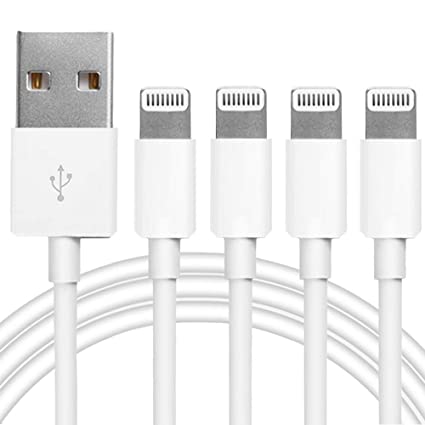
As more smartphones, tablets, and accessories switch to USB Type-C, many people still own chargers, power banks, laptops, and desktop computers that only have traditional USB Type-A ports.
That’s where a:
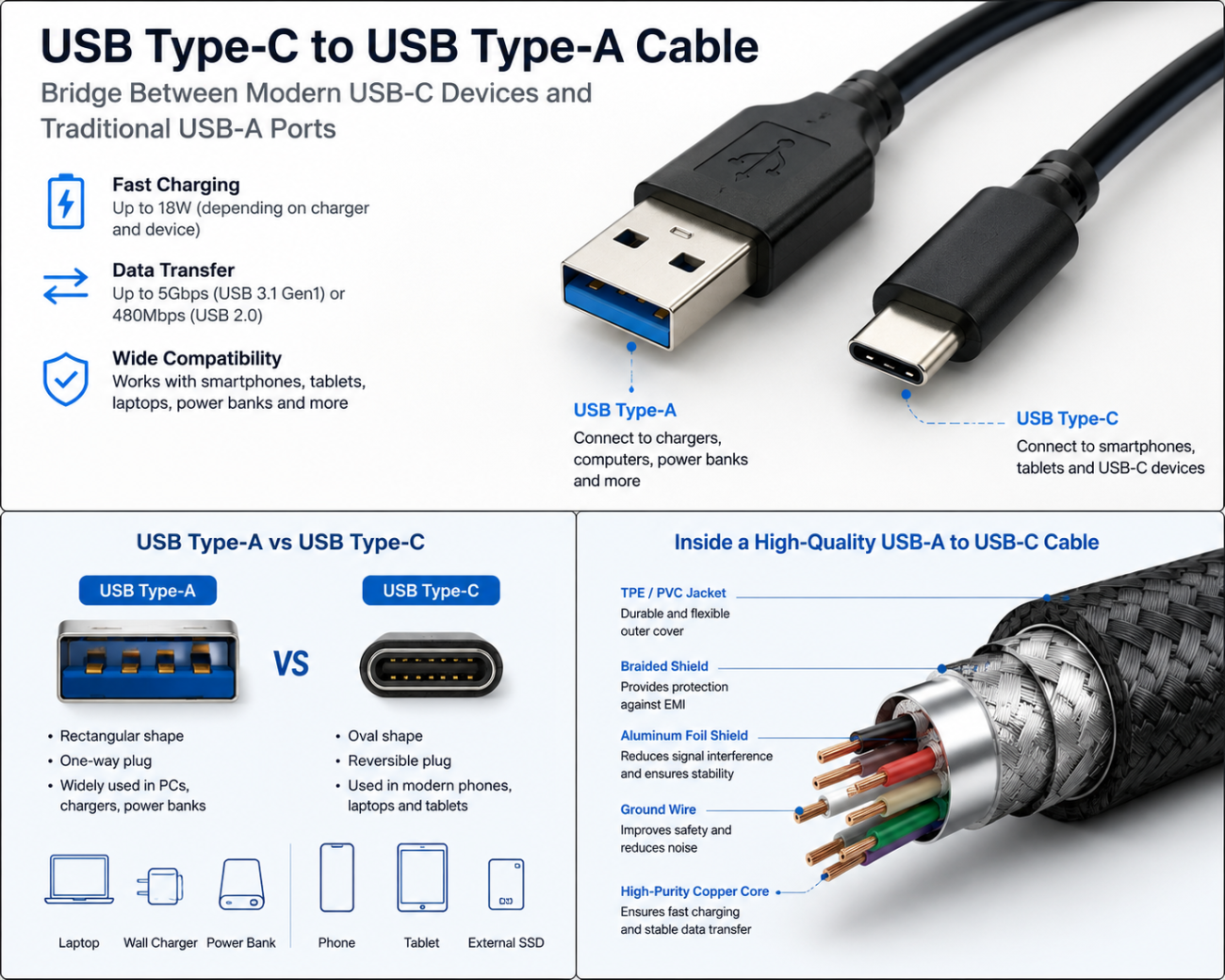
USB Type-C to USB Type-A Cable
becomes extremely useful.
This cable allows newer USB-C devices to work with older USB-A chargers and computers, making it one of the most common charging cables used around the world.
But not every USB-A to USB-C cable offers the same charging speed, data transfer performance, or build quality.
What Is a USB Type-C to USB Type-A Cable?
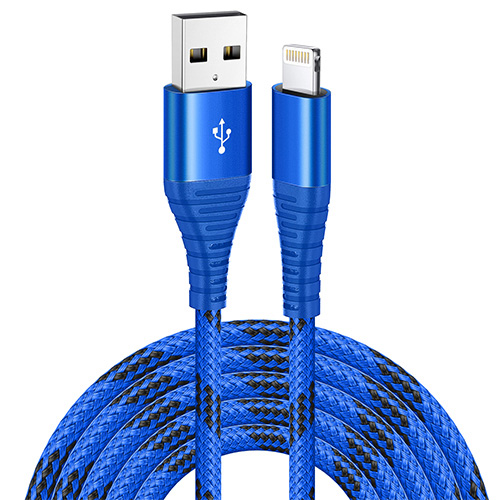
A USB Type-C to USB Type-A cable has two different connectors.
One end uses the familiar:
USB Type-A Connector
The other end uses the modern:
USB Type-C Connector
This design allows older USB-A devices to communicate with newer USB-C devices.
Typical applications include:
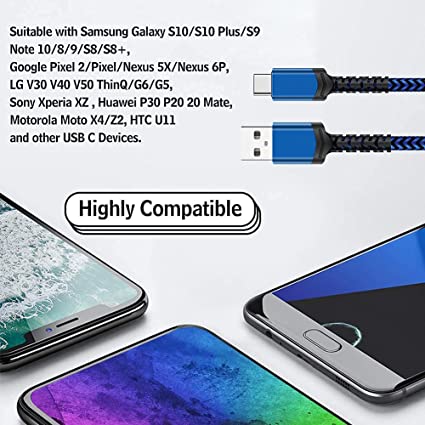
Charging Android smartphones
Charging wireless earbuds
Connecting portable SSDs
Syncing photos and videos
Connecting tablets
Charging Bluetooth speakers
Connecting USB-C accessories
It is one of the easiest ways to bridge old and new USB technologies.
Understanding the Two Connectors
USB Type-A
The USB Type-A connector is the classic rectangular USB plug that has been used for decades.
It is commonly found on:
Desktop computers
Laptop computers
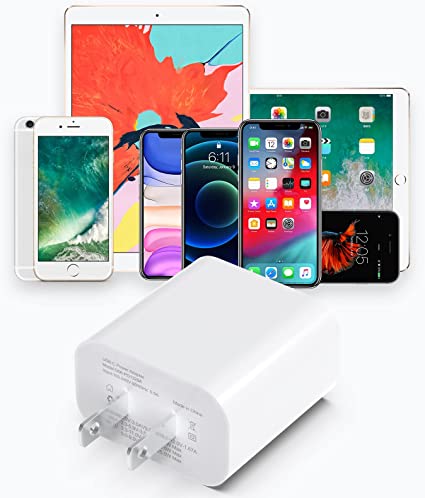
Wall chargers
Car chargers
Power banks
USB hubs
Characteristics include:
One-way insertion
Wide compatibility
Reliable performance
Although it is older, USB-A is still widely used today.
USB Type-C
The USB Type-C connector is the latest USB connector standard.
Its advantages include:
Reversible design
Smaller size
Higher charging capability
Faster data transfer
Support for multiple protocols
Today, USB-C is used by many:
Smartphones
Tablets
Laptops
External SSDs
Portable gaming devices
Wireless headphones
How Does a USB Type-C to USB Type-A Cable Work?
Although the cable looks simple, communication inside is carefully designed.
When you connect the cable:
- The USB-A connector supplies power from the charger or computer.
- The USB-C connector delivers that power to the device.
- Data lines allow information to travel in both directions.
- Built-in resistors help the USB-C device recognize the connection correctly.
Everything happens automatically within seconds.
Charging Performance
One of the biggest questions people ask is:
How Fast Can a USB Type-C to USB Type-A Cable Charge?
The answer depends on:
The charger
The cable quality
The device
The supported charging protocol
Typical charging levels include:
| Charger Output |
Typical Charging Power |
| 5V / 1A |
5W |
| 5V / 2A |
10W |
| 5V / 3A |
15W |
| 9V / 2A |
18W (Quick Charge compatible devices) |
Compared with USB-C to USB-C cables, USB-A to USB-C cables generally support lower maximum charging power.
Does USB Type-A Support Fast Charging?
Yes.
Many USB-A chargers support fast charging technologies such as:
Qualcomm Quick Charge (QC)
Adaptive Fast Charging
Huawei FCP (supported devices)
Other manufacturer-specific charging protocols
However, USB Power Delivery (PD) is primarily designed for USB-C connections.
If you need 65W, 100W, or 240W charging, a USB-C to USB-C cable is usually the better choice.
Data Transfer Speed
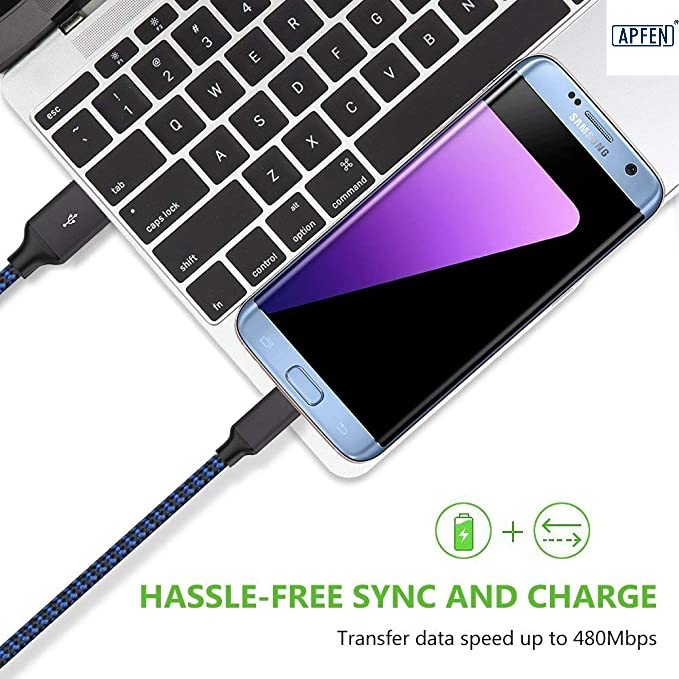
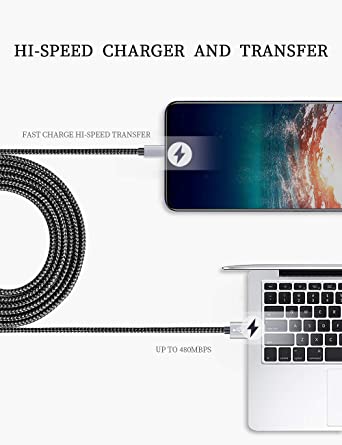
Besides charging, this cable also transfers data.
The speed depends on the USB version supported by both the cable and the connected devices.
Typical speeds include:
USB 2.0
Supports:
480 Mbps
Suitable for:
Documents
Photos
Music
Everyday file transfers
USB 3.0 / USB 3.2 Gen 1
Supports:
Up to 5 Gbps
Ideal for:
External hard drives
USB flash drives
Large video files
Higher-speed cables require matching USB-A ports and compatible devices.
What Devices Use USB Type-C to USB Type-A Cables?
This cable is commonly used for:
Android smartphones
USB-C tablets
Wireless earbuds
Bluetooth headphones
Portable SSDs
Digital cameras
Power banks
GPS devices
Bluetooth speakers
USB-C accessories
It remains one of the most versatile cable types for everyday use.
Advantages of USB Type-C to USB Type-A Cables
Using a USB Type-C to USB Type-A cable offers several benefits.
Wide Compatibility
It connects modern USB-C devices to millions of existing USB-A chargers and computers.
Affordable
Compared with specialized high-speed cables, USB-A to USB-C cables are generally less expensive.
Easy to Replace
Because they are so common, replacement cables are widely available.
Perfect for Everyday Charging
For users who do not require ultra-high charging power, these cables provide reliable daily performance.
Limitations You Should Know
Although useful, this cable has some limitations.
Compared with USB-C to USB-C cables:
Lower maximum charging power
Limited support for USB Power Delivery
Slower maximum data speeds
No support for some advanced USB-C features
If your laptop requires 100W USB PD, a USB-A to USB-C cable will not be the right solution.
How to Choose a High-Quality USB Type-C to USB Type-A Cable
Before purchasing, check for these features:
High-Purity Copper Conductors
Improve charging efficiency and reduce resistance.
Gold-Plated Connector Pins
Provide better conductivity and resist corrosion.
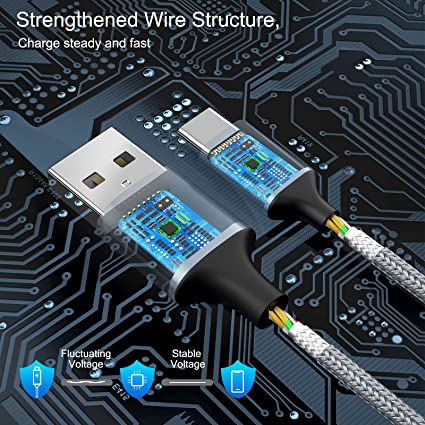
Aluminum Foil and Braided Shielding
Help reduce electromagnetic interference and improve signal stability.
Strong Connector Housing
Protects the connector from bending and repeated plugging.
Durable Outer Jacket
Look for materials such as:
TPE
PVC
Braided nylon
Silicone
These improve flexibility and cable lifespan.
Common Problems and Solutions
Slow Charging
Possible causes:
Low-power charger
Damaged cable
Dirty USB port
Device Not Recognized
Possible causes:
Faulty connector
Damaged USB port
Unsupported USB version
Loose Connection
Usually caused by:
Worn connector
Dust inside the port
Physical damage
Cleaning the connector carefully or replacing a damaged cable usually solves the problem.
USB Type-C to USB Type-A vs USB Type-C to USB Type-C
| Feature |
USB-A to USB-C |
USB-C to USB-C |
| Connector |
USB-A + USB-C |
USB-C + USB-C |
| Maximum Charging Power |
Generally lower |
Up to 240W (supported hardware required) |
| USB Power Delivery |
Limited |
Full support |
| High-Speed Data |
Up to USB 3.x (depending on cable and ports) |
USB4 and beyond (supported hardware required) |
| Future Compatibility |
Good |
Excellent |
If you’re using older chargers or computers, a USB-A to USB-C cable is still an excellent choice.
For the newest laptops and high-power charging, USB-C to USB-C is the preferred option.
Conclusion
A USB Type-C to USB Type-A cable is the perfect bridge between older USB-A equipment and modern USB-C devices.
It offers:
Reliable charging
Stable data transfer
Excellent compatibility
Affordable pricing
Easy everyday use
Although it cannot match the highest charging power and advanced capabilities of USB-C to USB-C cables, it remains an essential accessory for millions of users who still rely on traditional USB-A ports.
When choosing a cable, pay attention to build quality, conductor materials, shielding, and connector construction to ensure the best charging performance and long-term reliability.