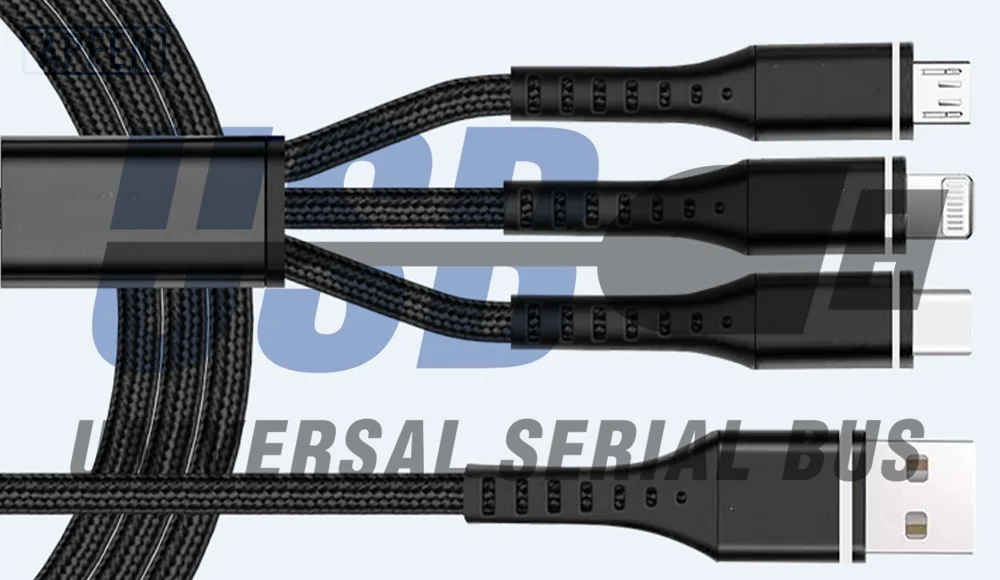
Most people think a USB-C cable is just a simple wire used to charge a phone.
You plug it in, your device charges, and that’s the end of the story.
But the truth is much more interesting.
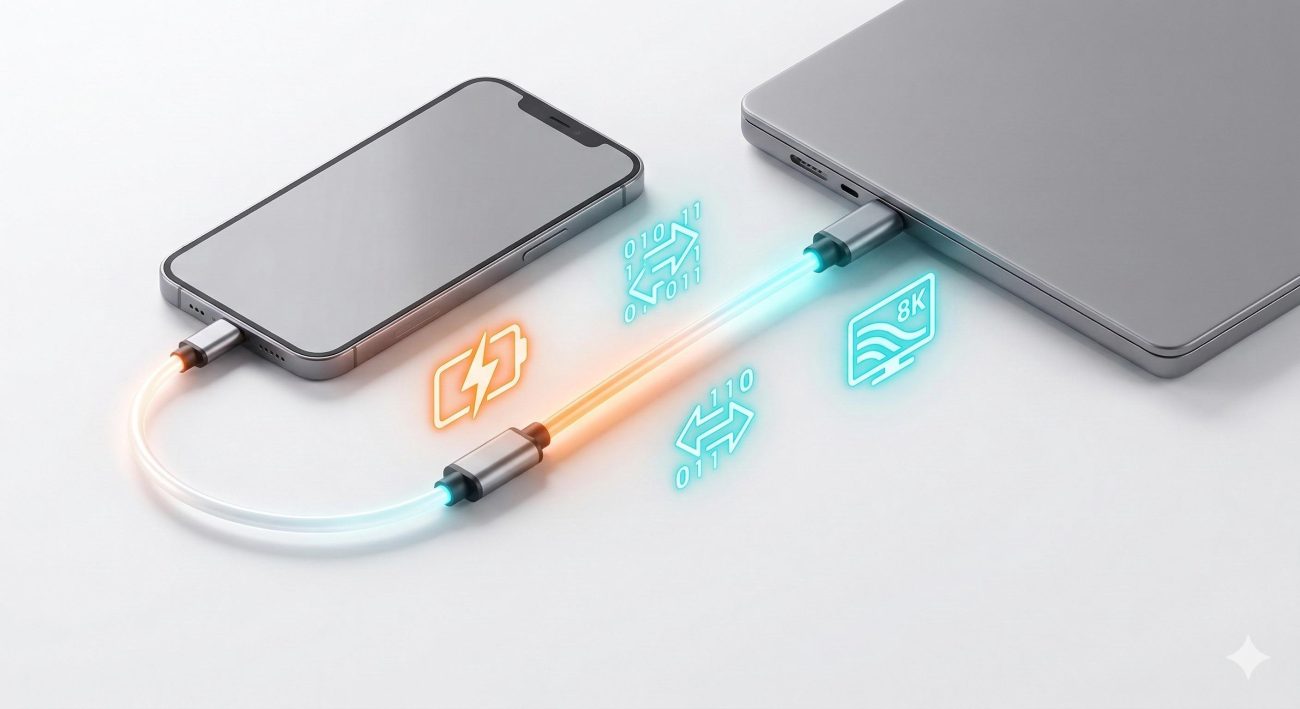
A modern USB-C cable is actually a highly engineered communication system that performs three major tasks simultaneously:
Power Delivery
High-Speed Data Transfer
Safety Protection
Without these technologies, today’s smartphones, tablets, laptops, gaming devices, and portable monitors would not be able to charge quickly or transfer large amounts of data efficiently.
In this article, we’ll take a deep dive into how modern USB-C cables work and why they have become one of the most advanced cable technologies ever developed.
1. Power Delivery: How USB-C Cables Deliver Up to 240W of Power
The biggest advantage of modern USB-C technology is its ability to support intelligent power management.
In the early days of USB charging, most devices used:
5V
1A
This meant charging power was only:
5V × 1A = 5W
Charging a smartphone could take several hours.
Today, things are very different.
Modern USB-C cables can support:
20W
45W
65W
100W
140W
240W
This incredible increase in charging power is made possible through:
USB Power Delivery (PD)
and advanced charging protocols.
What Is Power Delivery?
Power Delivery (PD)
is a smart charging protocol that allows devices and chargers to communicate before power is delivered.
Instead of immediately sending maximum power, the charger first asks:
“How much power do you need?”
The device responds with its requirements.
Only after both sides agree does charging begin.
This process is known as:
Protocol Handshake
The Role of the CC Channel
Inside every USB-C connector are special communication lines called:
CC (Configuration Channel) Pins
These pins act as a communication bridge between:
Charger
Cable
Device
Through the CC channel, all three components exchange information.
The charger learns:
Device requirements
Cable capabilities
Maximum safe current
The result is intelligent power negotiation.
From 5W to 240W Charging
Modern USB-C charging standards now support enormous power levels.
Examples include:
| Charging Level |
Typical Devices |
| 5W |
Basic phones |
| 20W |
Smartphones |
| 45W |
Tablets |
| 65W |
Ultrabooks |
| 100W |
Laptops |
| 140W |
High-performance notebooks |
| 240W |
Gaming laptops and workstations |
This huge range is possible because USB-C dynamically adjusts:
Voltage
Current
Power output
according to device needs.
PD 3.1 and QC 5.0 Explained
Modern fast charging often relies on technologies such as:
USB PD 3.1
and
Qualcomm Quick Charge 5.0 (QC 5.0)
These technologies allow:
Faster charging
Better efficiency
Lower heat generation
Improved safety
Instead of delivering a fixed voltage, the charger continuously adjusts output based on real-time conditions.
2. High-Speed Data Transfer: How USB-C Moves Massive Amounts of Data
Charging is only one part of what a USB-C cable does.
Modern USB-C cables are also designed for:
High-Speed Data Transfer
This is why one cable can:
Transfer files
Connect monitors
Link external SSDs
Support docking stations
all while charging a device.
How Data Travels Through a USB-C Cable
USB data is transmitted using:
Differential Signaling
Instead of sending information through a single wire, data is transmitted through two matched conductors:
Positive signal (D+)
Negative signal (D−)
These signals work together.
When external noise affects one wire, the receiving device compares both signals and removes the interference.
This method greatly improves reliability.
Why Differential Signaling Is Important
Differential signaling provides several benefits:
Better noise immunity
Higher transmission accuracy
Lower signal loss
Improved stability
This is one reason USB cables can operate in environments filled with electronic interference.
USB Data Speeds Have Increased Dramatically
Over the years, USB technology has evolved rapidly.
USB 2.0
Supports:
480 Mbps
Suitable for:
Keyboards
Mice
Printers
Basic storage devices
USB 3.2
Supports:
Up to 20 Gbps
Ideal for:
External SSDs
High-resolution media files
Professional workflows
USB4
Supports:
Up to 40 Gbps
This enables:
Ultra-fast backups
4K and 8K video workflows
Thunderbolt-compatible applications
A single USB-C cable can now transfer data thousands of times faster than older USB standards.
Why Cable Quality Matters for Data Transfer
Not every USB-C cable supports the same speed.
High-speed cables require:
Precision twisted pairs
Advanced shielding
Controlled impedance
Premium connectors
Poor-quality cables may cause:
Slower speeds
Connection drops
Data corruption
Device recognition issues
3. Safety Protection: The Smart Security System Inside USB-C Cables
As charging power increases, safety becomes more important than ever.
Imagine sending:
240W of Power
through a cable.
Without protection systems, overheating or equipment damage could occur.
That is why modern USB-C technology includes multiple safety mechanisms.
Real-Time Impedance Monitoring
One of the most important protection features is:
Impedance Monitoring
Impedance reflects how easily electrical current flows through the cable.
A healthy cable maintains stable impedance values.
When problems occur, impedance changes.
These changes may indicate:
Damaged connectors
Loose contacts
Internal wire failure
Excessive heat
The charging system can detect these abnormalities.
Automatic Current Reduction
If the system detects excessive resistance or unstable conditions, it may automatically:
Reduce Charging Current
This lowers:
Heat generation
Stress on the cable
Risk of damage
Users may notice charging slows temporarily, but this is actually protecting the device.
Automatic Power Cut-Off
In more serious situations, the system can completely stop charging.
This occurs when:
Temperature becomes excessive
Connector contact becomes unstable
Electrical safety limits are exceeded
The cable and charger work together to prevent damage.
Temperature Monitoring
Many advanced charging systems monitor temperature in real time.
If temperatures rise too high, the system can:
Lower voltage
Reduce current
Pause charging
This protects:
Smartphones
Laptops
Batteries
Charging cables
from excessive heat.
Why Safety Protection Is More Important for 100W–240W Charging
A basic 5W charger generates relatively little heat.
Modern:
100W USB-C Cables
and
240W USB-C Cables
handle dramatically higher power levels.
As power increases, so does the need for intelligent protection.
Without these safety systems, high-speed charging would not be practical.
The Future of USB-C Technology
USB-C continues to evolve rapidly.
Future generations will likely offer:
Higher charging power
Faster data speeds
Smarter communication
More advanced protection systems
Yet the foundation will remain the same:
Power Delivery + Data Transfer + Safety Protection
These three technologies work together to make USB-C the most versatile connector standard available today.
Conclusion
Modern USB-C cables are far more than simple charging accessories.
They combine:
Power Delivery
for intelligent charging up to 240W,
High-Speed Data Transfer
up to USB4 40Gbps,
and
Safety Protection
through real-time monitoring and automatic power management.
Together, these technologies allow a single cable to safely charge devices, transfer massive amounts of data, and protect valuable electronics from damage.
The next time you connect a USB-C cable, remember that a complex communication system is working behind the scenes to deliver power, data, and safety all at the same time.