
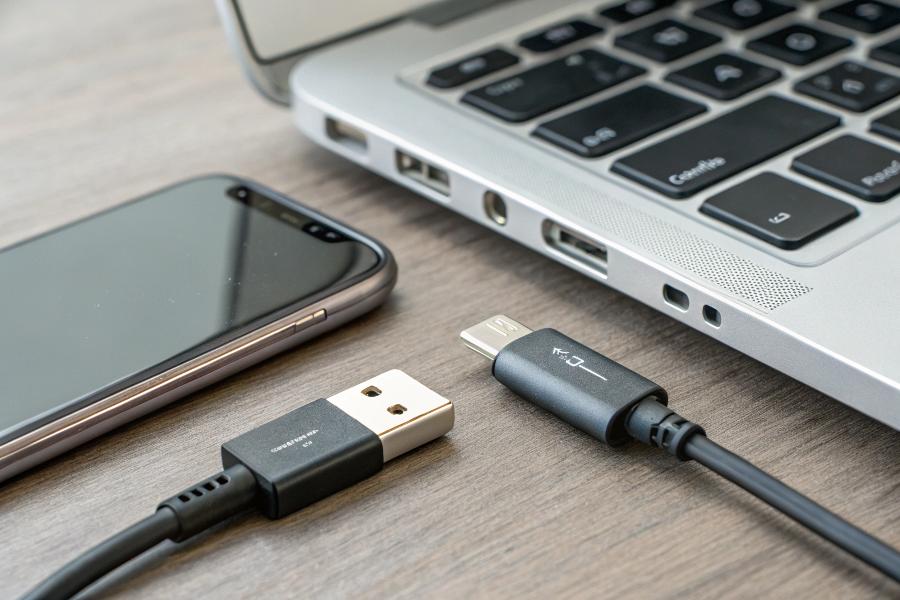
As more devices switch to USB Type-C, many people are confused about the difference between USB-C to USB-C cables and USB-A to USB-C cables. At first glance, they may look similar, but their performance, charging capabilities, and compatibility are very different.
If you’re buying a charging cable for your phone, tablet, laptop, or other electronics, understanding these differences can help you choose the right cable for your needs.
Let’s break everything down in simple and practical language.
What Is a USB-C to USB-C Cable?
A USB-C to USB-C cable has a USB-C connector on both ends.
This type of cable is mainly used for:
Modern smartphones
Tablets
Laptops
Power banks
Monitors
Gaming devices
These cables are designed for newer technology and usually support:
Faster charging
Higher data transfer speeds
Video output
USB Power Delivery (PD)
What Is a USB-A to USB-C Cable?
A USB-A to USB-C cable has:
A traditional USB-A connector on one side
A USB-C connector on the other side
This cable is commonly used to connect newer USB-C devices to older:
Chargers
Computers
USB ports
Car chargers
Power adapters
It acts as a bridge between old and new technology.
1. Connector Design Differences
USB-C to USB-C
USB-C on both ends
Fully reversible
Easier to plug in
Modern design
USB-A to USB-C
One old-style USB-A connector
One USB-C connector
USB-A side is not reversible
Why This Matters
USB-C connectors are much more convenient because you never have to worry about plugging them in upside down.

2. Data Transfer Speed Comparison
One of the biggest differences is transfer speed.
USB-C to USB-C Speed
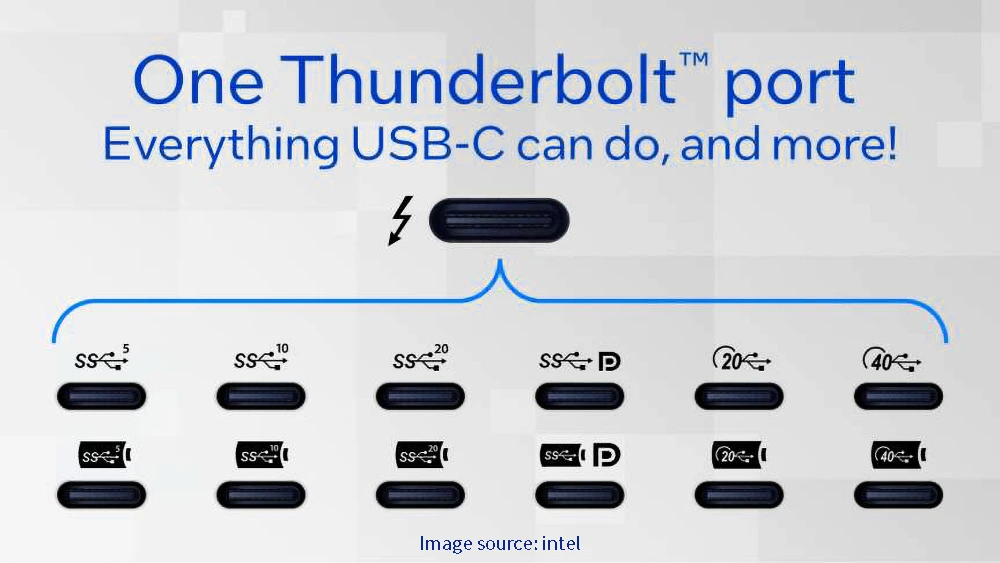
Depending on the cable version, speeds can reach:
10Gbps
20Gbps
Even 40Gbps with USB4
This is ideal for:
Large file transfers
External SSDs
4K or 8K video editing
Professional workflows
USB-A to USB-C Speed
Most USB-A ports are limited to:
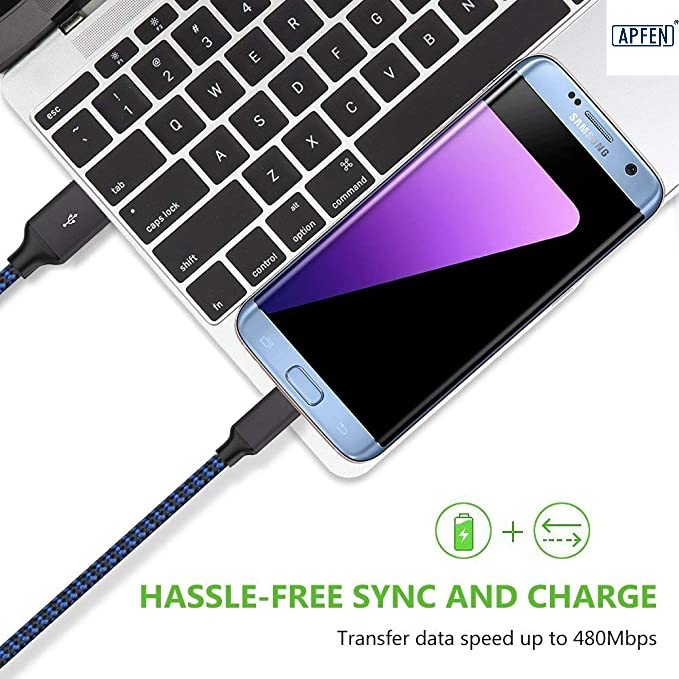
USB 2.0 → 480Mbps
USB 3.0 → 5Gbps
Some high-quality USB-A ports support faster speeds, but they usually cannot match full USB-C performance.
3. Charging Power Differences
USB-C to USB-C Supports Higher Power
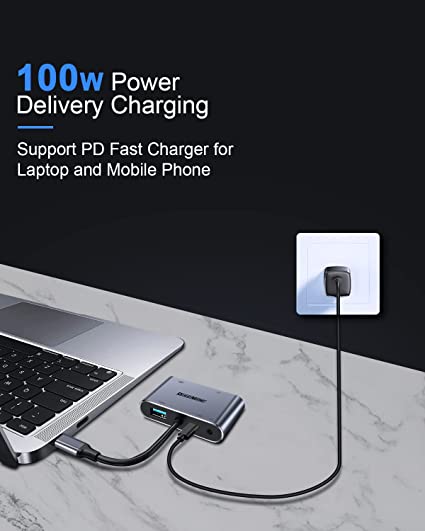
One major advantage of USB-C to USB-C cables is support for USB Power Delivery (PD).
These cables can support:
18W fast charging
30W charging
65W laptop charging
100W charging
Up to 240W in newer USB-C standards
This makes them perfect for:
Laptops
Tablets
Gaming handhelds
Fast-charging smartphones
USB-A to USB-C Has Lower Power Output
Traditional USB-A ports usually provide:
2.5W
4.5W
Sometimes up to 15W
That’s enough for:
Basic phone charging
Small accessories
but much slower compared to USB-C PD charging.

4. Compatibility and Real-World Usage
USB-C to USB-C Is Best For:
New laptops
Modern smartphones
Fast charging
High-speed storage devices
External displays
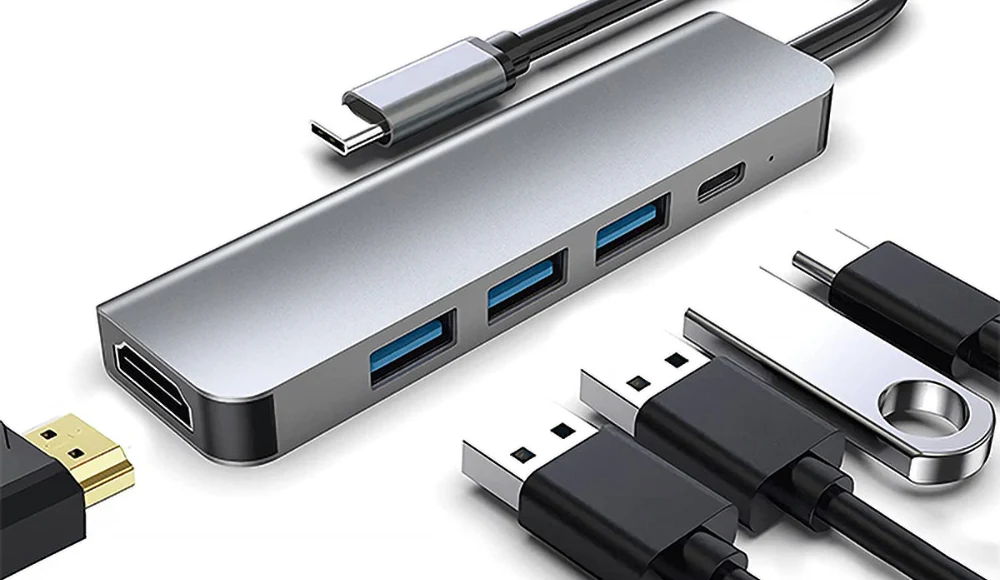
Docking stations
USB-A to USB-C Is Best For:
Older computers
Traditional wall chargers
Car chargers
Legacy USB devices
Simple Way to Think About It
USB-C to USB-C = Modern high-performance setup
USB-A to USB-C = Backward compatibility solution
5. Video Output Support
Many USB-C to USB-C cables can transmit video signals using:
DisplayPort Alt Mode
Thunderbolt
HDMI Alt Mode
This allows:
External monitor connections
4K display output
Multi-monitor setups
USB-A to USB-C cables generally do not support advanced video output features.

6. Durability and Convenience
USB-C Connectors
USB-C connectors are designed for durability and convenience.
Benefits include:
Reversible design
Stronger internal structure
Around 10,000 insertion cycles
USB-A Connectors
USB-A connectors are still durable, but:
Not reversible
Bulkier
Less convenient
Quick Comparison Table
| Feature | USB-C to USB-C | USB-A to USB-C |
|---|---|---|
| Connector Type | USB-C on both ends | USB-A + USB-C |
| Reversible | Yes | Only USB-C side |
| Charging Speed | Very fast | Moderate |
| Power Delivery | Up to 240W | Usually lower |
| Data Speed | Up to 40Gbps | Usually slower |
| Video Output | Supported | Limited |
| Best For | Modern devices | Older devices |
Which Cable Should You Choose?
Choose USB-C to USB-C If:
You want fast charging
You use modern laptops or phones
You transfer large files often
You need maximum performance
Choose USB-A to USB-C If:
Your charger only has USB-A ports
You use older computers
You need basic charging and syncing
Final Thoughts
Both cable types are useful, but they serve different purposes.
USB-C to USB-C cables are the future of charging and connectivity. They offer:
Faster charging
Higher power delivery
Better data transfer
Video support
Improved convenience
Meanwhile, USB-A to USB-C cables are still important because they help newer USB-C devices work with older chargers and computers.
As technology continues moving toward USB-C, more users are upgrading to USB-C to USB-C setups for better speed, efficiency, and convenience.

Fast delivery
Fastest delivery within 22 days

Quick proofing
Fastest 3-day proofing cycle

After-sale protection
24-month long warranty

1V1Customer Service
Professional customer service follow-up