
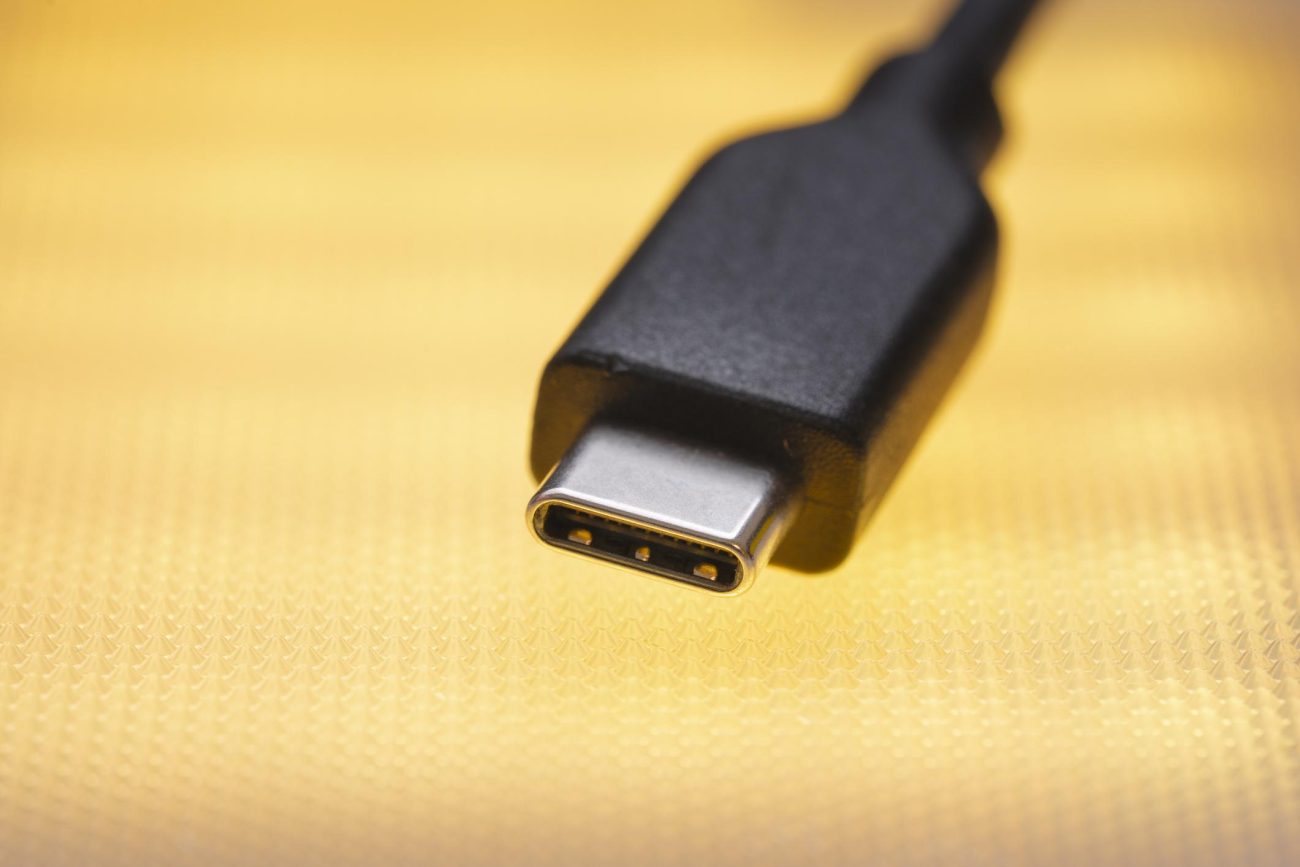
The Complete Guide to USB Type-C Cables: Why USB-C Is Taking Over Modern Devices
If you’ve purchased a new smartphone, laptop, tablet, or gaming device recently, chances are you’ve already seen a USB Type-C cable. Also known as USB-C, this modern connector is quickly replacing older USB types because it’s faster, smarter, and much easier to use.
But why is everyone switching to USB-C? And what makes it better than traditional USB cables?
Let’s break it down in simple, easy-to-understand language.
What Is USB Type-C?
USB Type-C is a newer USB connector standard designed to handle:
Charging
Data transfer
Video output
Audio transmission
—all through a single cable.
Unlike older USB connectors, USB-C is small, reversible, and incredibly versatile.

1. Reversible Connector — No More Plugging It in the Wrong Way
One of the biggest advantages of USB-C cables is the reversible design.
Older USB cables only worked in one direction. Everyone remembers flipping the connector multiple times before it finally fit.
USB-C completely solves this problem.
Why It Matters
Plug it in either way
Faster and easier to use
Perfect for dark rooms or tight spaces
Less wear and tear on ports
The symmetrical design makes everyday charging much more convenient.

2. One Cable for Almost Everything
Another major reason USB-C became popular is universal compatibility.
Today, USB Type-C cables are used for:
Smartphones
Tablets
Laptops
Wireless earbuds
Portable monitors
Gaming handhelds
Cameras
Power banks
Instead of carrying multiple cable types, many users now only need a single USB-C cable.
Why This Is Important
Less cable clutter
Easier travel setup
Fewer accessories to buy
Cleaner desk organization

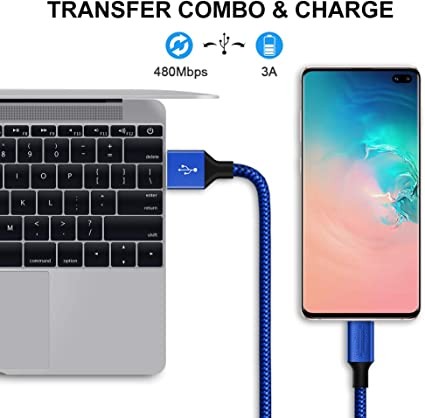
3. Extremely Fast Data Transfer Speeds
USB-C isn’t just for charging. It’s also incredibly fast at transferring data.
Depending on the version, USB-C can support:
USB 3.1 → up to 10Gbps
USB 3.2 → up to 20Gbps
USB4 → up to 40Gbps
That means you can transfer:
4K videos
Large game files
Professional photos
System backups
—in just seconds instead of minutes.
Real-Life Example
Imagine moving a 50GB video project from your laptop to an external SSD.
With older USB standards, this could take a long time. With USB4 Type-C, the transfer is dramatically faster.

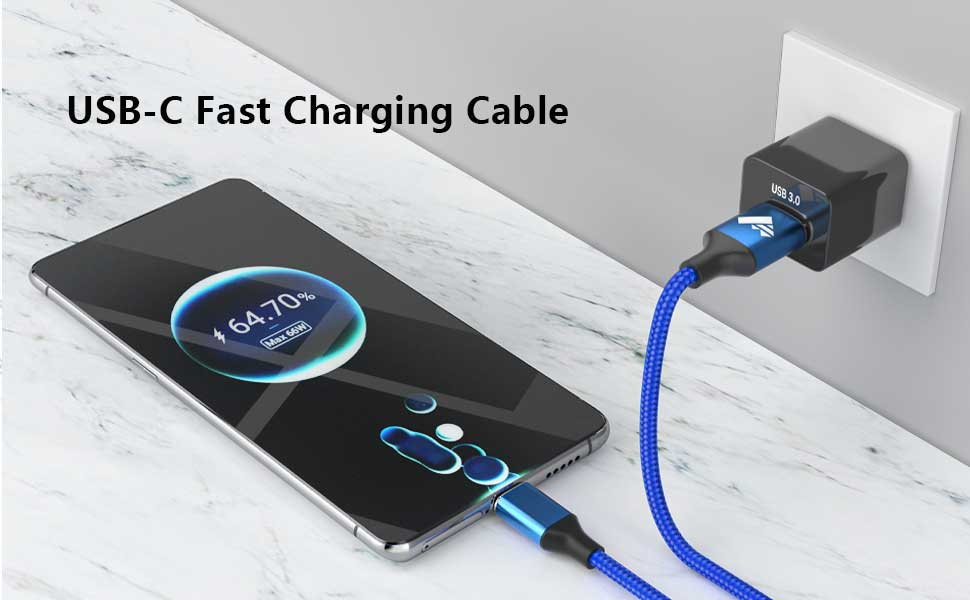
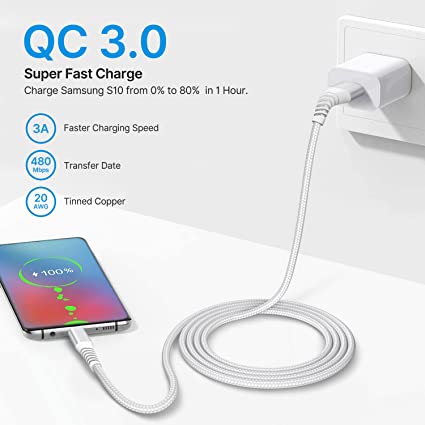
4. USB-C Supports Fast Charging
One of the biggest reasons consumers love USB-C is fast charging.
USB-C supports a technology called USB Power Delivery (PD).
What Is USB PD?
USB PD allows devices to negotiate higher power safely.
Some USB-C cables can deliver:
18W
30W
65W
100W
Even 240W in newer standards
This means a single USB-C cable can charge:
Phones
Tablets
Laptops
Gaming devices
Benefits of USB-C Fast Charging
Faster charging speeds
Reduced charging time
Better charging efficiency
One charger for multiple devices
5. Video Output Through a Single Cable
USB-C can also transmit video signals.
Using technologies like:
DisplayPort Alt Mode
HDMI Alt Mode
Thunderbolt
a USB-C cable can connect directly to:
Monitors
TVs
Projectors
Why This Is Useful
A single cable can now handle:
Power
Video
Audio
Data transfer
This creates a cleaner and more professional setup.
For example, many modern laptops only need one USB-C cable to connect to an external monitor and charge simultaneously.

6. Backward Compatibility Makes Upgrading Easier
Worried about older devices?
USB-C supports backward compatibility through adapters and hubs.
This means you can still connect:
USB-A flash drives
Older hard drives
Keyboards
Mice
even if your laptop only has USB-C ports.
Benefits
Easier transition to newer devices
Protects older accessories
Saves money

Common Applications of USB Type-C Cables
Smartphones and Tablets
Fast charging
High-speed syncing
Audio output
Video output
Laptops
Charging
External monitor connection
Docking stations
Data transfer
Gaming Devices
Many modern gaming handhelds and consoles now use USB-C because of its high power and speed capabilities.
Monitors
Some displays use a single USB-C cable for:
Video
Audio
Power delivery
This greatly reduces cable clutter.
Important Things to Know Before Buying a USB-C Cable
Not all USB Type-C cables are the same.
Some only support:
Basic charging
Slow transfer speeds
Others support:
100W charging
240W charging
40Gbps transfer
8K video output
Before Buying, Check:
Charging wattage
Data transfer speed
USB version
Video support
Cable quality
Certification
A cheap low-quality cable may reduce charging speed or even damage devices over time.
Keywords: best USB-C cable, USB-C cable buying guide, USB-C charging speed
Final Thoughts
USB Type-C is more than just a new charging cable. It’s becoming the universal connection standard for modern electronics.
With:
Faster charging
High-speed data transfer
Video output
Reversible connectors
Universal compatibility
USB-C makes everyday technology simpler and more powerful.
As more manufacturers adopt USB Type-C, this connector will continue shaping the future of smartphones, laptops, gaming devices, and smart electronics.

Fast delivery
Fastest delivery within 22 days

Quick proofing
Fastest 3-day proofing cycle

After-sale protection
24-month long warranty

1V1Customer Service
Professional customer service follow-up