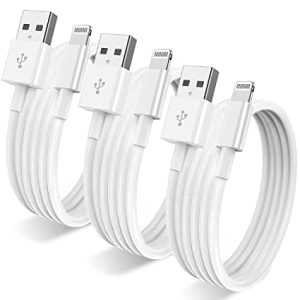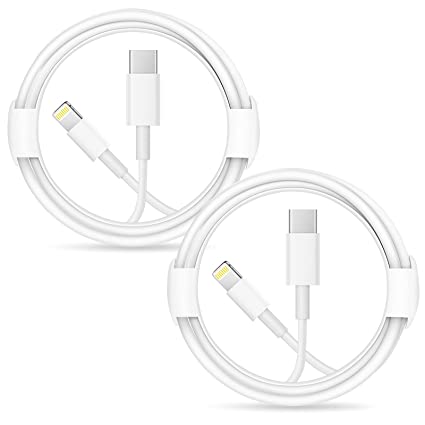
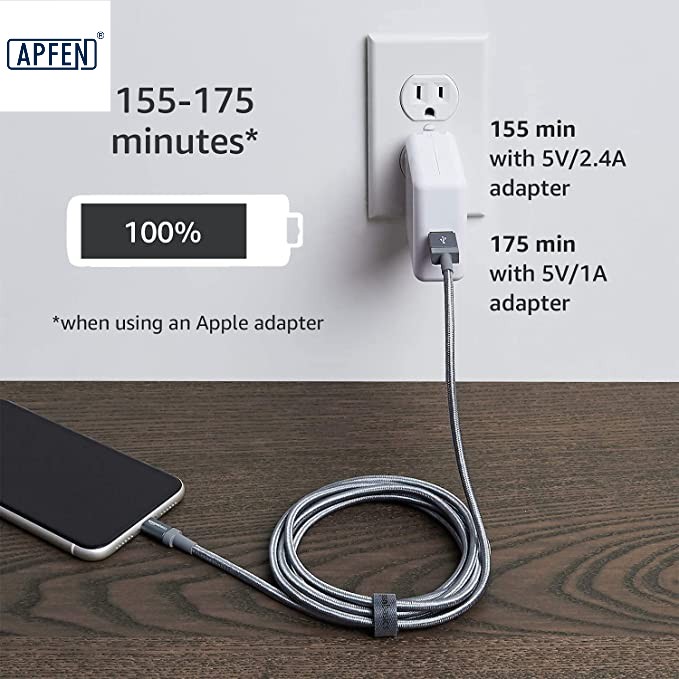
Lightning to Usb White cable- Apphone Charger Cable price Online

Lightning Cable Apple

Few things are more frustrating than plugging in your Apple USB-C cable and realizing nothing happens.

Your iPhone doesn’t charge.

Your iPad won’t connect.

Your MacBook doesn’t recognize the cable.

Or perhaps charging starts and stops repeatedly.

If you’ve ever asked yourself:

“Why is my Apple USB-C cable not working?”

you’re not alone.

Every year, millions of Apple users experience charging and connectivity problems. The good news is that many of these issues are easy to diagnose and fix without immediately buying a new cable.

In this guide, we’ll walk through the most common reasons an Apple USB-C cable stops working, how to identify the problem, and what you can do to get your devices charging again.

Image

How Does an Apple USB-C Cable Work?

Before troubleshooting, it’s helpful to understand what happens when you connect a cable.

A modern Apple USB-C cable does more than transfer electricity.

It is responsible for:

Power delivery

Fast charging communication

Data transmission

Device authentication

Safety monitoring

If any part of this process fails, charging may stop completely.

Image

1. The USB-C Cable Is Physically Damaged

The most common cause is simple:

Cable Damage

Even premium Apple cables wear out over time.

Look closely for:

Cracks in the outer jacket

Bent connectors

Frayed cable ends

Exposed wires

Burn marks

Damage often occurs near the connector where the cable bends repeatedly.

How to Check

Gently flex both ends of the cable while charging.

If charging starts and stops, internal wires may be broken.

Image

2. Dirt or Lint Is Blocking the USB-C Port

Many people immediately blame the cable.

However, the real problem is often:

A Dirty Charging Port

Pocket lint, dust, and debris can prevent proper contact.

Even a tiny amount of buildup may stop charging.

Common Signs

Cable feels loose

Charging only works at certain angles

Device repeatedly disconnects

Solution

Carefully inspect the port using a flashlight.

Remove debris gently with a non-metal tool or soft brush.

Never force sharp metal objects into the port.

Image

3. The Power Adapter Is Faulty

Sometimes the cable is perfectly fine.

The issue may be:

A Defective USB-C Charger

Try using:

A different charger

A different wall outlet

Another USB-C power adapter

If charging resumes, the charger is likely the problem.

4. The USB-C Port on Your Device Is Damaged

Repeated plugging and unplugging can wear down internal contacts.

Signs include:

Loose connection

Charging interruptions

Connector wobbling

Physical damage inside the device port often requires professional repair.

Image

5. The Cable Is Not Certified

Many users purchase low-cost replacement cables online.

Some may look identical to Apple cables but lack proper certification.

Non-Certified USB-C Cables

may cause:

Charging failures

Slow charging

Device compatibility issues

High-quality certified cables typically perform much more reliably.

Image

6. Fast Charging Communication Has Failed

Modern Apple devices use advanced charging communication protocols.

The cable, charger, and device must all communicate correctly.

If communication fails:

Fast charging may stop

Charging speed may drop

Charging may not start at all

This is especially common with older or damaged accessories.

7. Internal Wire Breakage

Even when the outer jacket looks perfect, the inside may be damaged.

Repeated bending can break:

Power wires

Signal wires

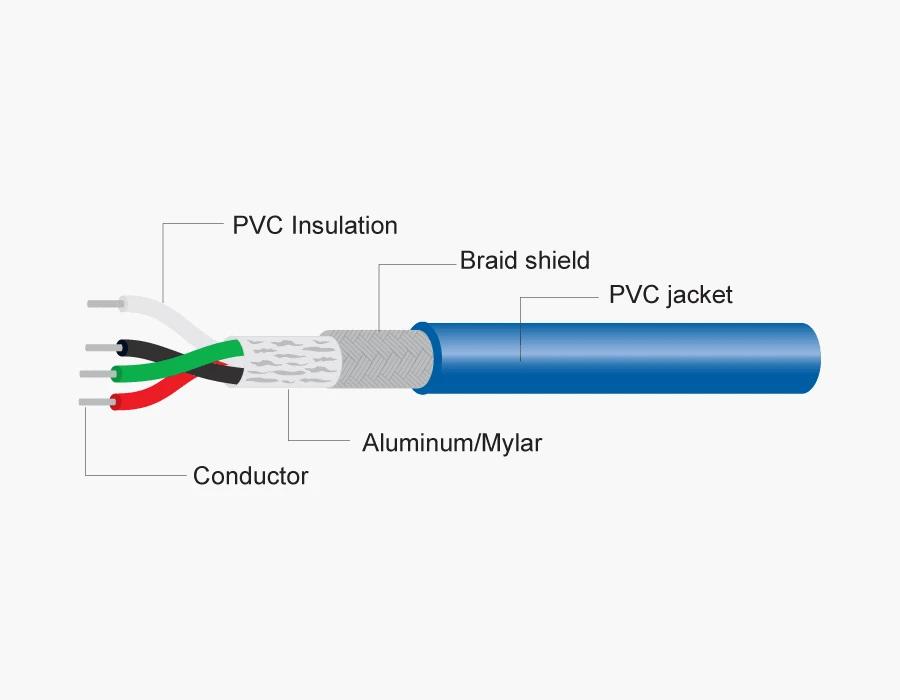
Shielding components

This often causes:

Intermittent Charging Problems

where charging works one moment and stops the next.

Image

8. Moisture Has Entered the Connector

Apple devices include moisture protection systems.

If liquid is detected:

Charging May Be Temporarily Disabled

to prevent damage.

You may see warnings such as:

Liquid Detected

Charging Not Available

Solution

Allow the connector and device port to dry completely before reconnecting.

9. Software Issues Are Causing Charging Problems

Not every charging issue is hardware-related.

Sometimes:

iOS bugs

macOS glitches

Firmware issues

can affect charging behavior.

Try These Steps

Restart the device

Update iOS

Update macOS

Reset charging accessories

Many charging issues disappear after a restart.

10. The Cable Has Overheated

Charging cables can become damaged by excessive heat.

Common causes include:

Charging under blankets

Direct sunlight

High ambient temperatures

Overheating may damage:

Connector contacts

Internal insulation

Wire cores

This can reduce performance or cause complete failure.

11. The USB-C Connector Pins Are Worn Out

Inside every USB-C connector are tiny metal contacts.

These contacts are responsible for:

Power transfer

Data communication

Over time, repeated use may wear down the pins.

Poor contact can result in:

Unstable charging

Slow charging

Connection failures

12. The Cable Has Reached the End of Its Lifespan

No charging cable lasts forever.

Even premium cables experience wear after years of use.

Factors that shorten lifespan include:

Daily bending

Pulling

Twisting

Extreme temperatures

If a cable is several years old and troubleshooting doesn’t help, replacement may be the best option.

How to Test Whether Your Apple USB-C Cable Is Bad

Try this simple process:

Step 1

Test the cable with another device.

Step 2

Use a different charger.

Step 3

Use another USB-C cable.

Step 4

Inspect both ports carefully.

Step 5

Check for visible damage.

This process can quickly identify whether the problem is the cable, charger, or device.

How to Make Your Apple USB-C Cable Last Longer

To extend cable life:

Avoid Tight Bending

Do not sharply bend the cable near the connector.

Pull the Connector, Not the Cable

Always unplug by gripping the connector.

Store Properly

Avoid wrapping cables tightly.

Keep Ports Clean

Regular cleaning prevents contact issues.

Avoid Excessive Heat

Keep cables away from high temperatures whenever possible.

When Should You Replace Your Apple USB-C Cable?

Consider replacement if:

Charging repeatedly disconnects

Connectors are visibly damaged

Charging speed drops significantly

Data transfer becomes unreliable

Internal wire damage is suspected

Replacing a failing cable early can help prevent device charging problems.

Conclusion

If you’re wondering:

“Why Is My Apple USB-C Cable Not Working?”

the answer is usually one of several common issues:

Physical cable damage

Dirty USB-C ports

Faulty chargers

Internal wire breakage

Moisture detection

Connector wear

Certification problems

Normal aging

The good news is that many of these problems can be diagnosed in just a few minutes.

By understanding how your Apple USB-C cable works and following proper maintenance practices, you can improve charging reliability, extend cable lifespan, and avoid unnecessary replacements.

USB cable.

Picture this: You’re sitting at your desk, engrossed in a project

Where Can I Buy a High-Quality Pd Fast Charging Cable?

FAQ

USB-C cables certainly.

Share This Artcle:

Fast delivery

Fast delivery

Fastest delivery within 22 days

Quick proofing

Quick proofing

Fastest 3-day proofing cycle

After-sale protection

After-sale protection

24-month long warranty

1V1Customer Service

1V1Customer Service

Professional customer service follow-up

Lorem ipsum dolor sit amet, consectetur adipiscing elit. Ut elit tellus, luctus nec ullamcorper mattis, pulvinar dapibus leo.

Scroll to Top