
Will Any USB-C Cable Work with Oculus Quest 2?
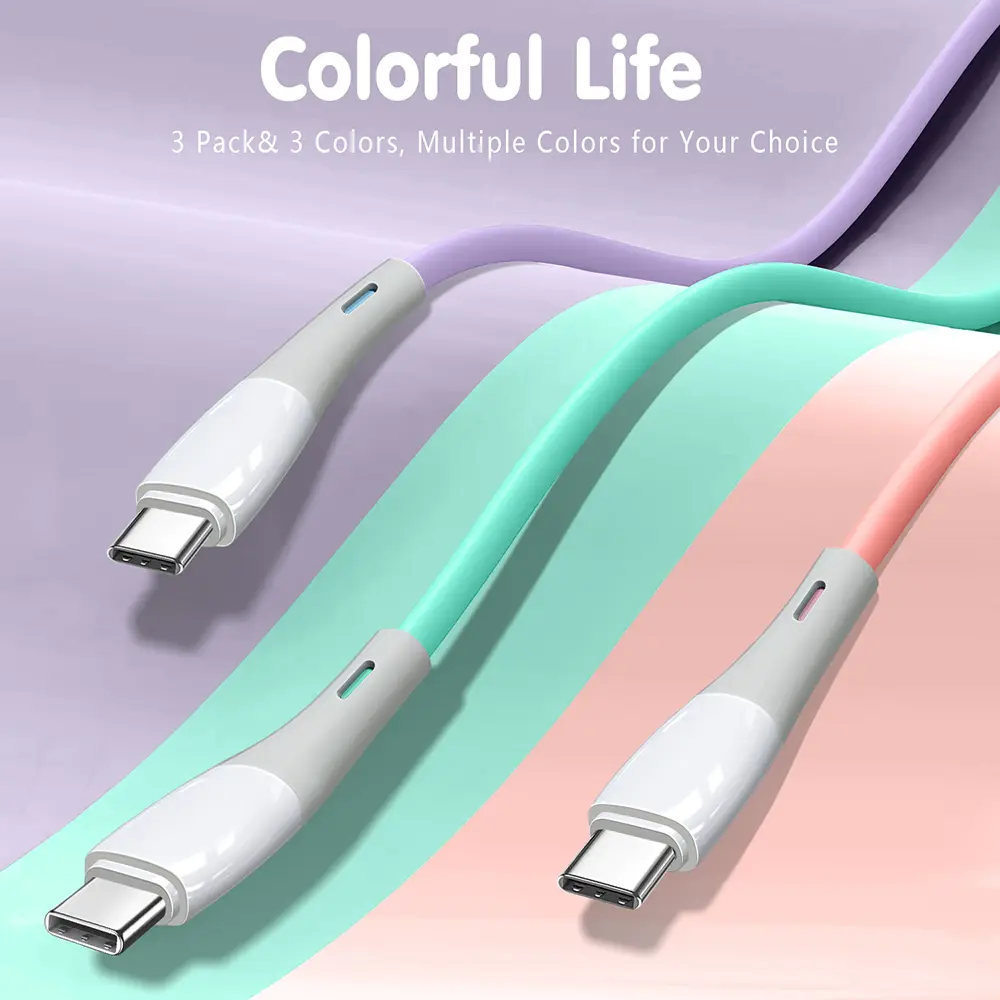
No, not every USB-C cable will work well with the Oculus Quest 2. While many USB-C cables can charge the headset, only cables with the correct data transfer speed, stable power delivery, quality shielding, and proper construction can deliver reliable Oculus Link performance.
Why Doesn’t Every USB-C Cable Work with Oculus Quest 2?
What Does the Oculus Quest 2 Require?
The Oculus Quest 2 (Meta Quest 2) uses a USB-C port for both charging and PC connectivity.
However, the cable requirements differ depending on the application.
For charging only, a basic USB-C cable is usually sufficient.
For Meta Quest Link (formerly Oculus Link), the cable must also support:
High-speed USB data transfer
Stable power delivery
Low signal loss
Reliable shielding
Long-distance signal integrity
A low-cost charging cable may connect successfully but still cause:
Link disconnections
Lag
Reduced image quality
Device detection failures
Slow charging while gaming
Can Any USB-C Cable Charge the Oculus Quest 2?
Is a Standard Charging Cable Enough?
Yes, for charging only.
A standard USB-C cable can usually recharge the Quest 2 if it supports the required charging current.
Typical charging specifications include:
| Function | Recommended Specification |
|---|---|
| Connector | USB-C |
| Charging Current | 2A–3A |
| Charging Power | Up to approximately 18W |
| USB Power Delivery | Optional but beneficial |
Higher-quality charging cables generally use:
Pure copper conductors
Lower resistance
Better connector plating
Improved durability
Although the Quest 2 does not require extremely high charging power, poor cable quality can increase charging time.
What Kind of USB-C Cable Is Needed for Quest Link?
Why Does PC VR Require a Better Cable?
Quest Link transfers large amounts of real-time data between the headset and the computer.
Compared with ordinary charging, PC VR requires:
Stable high-speed USB communication
Low latency
Minimal packet loss
Consistent electrical performance
Recommended specifications include:
| Feature | Recommended Specification |
|---|---|
| USB Version | USB 3.0 or higher |
| Data Speed | 5 Gbps or higher |
| Connector | USB-C to USB-C or USB-A to USB-C |
| Cable Length | 3–5 meters (active optical cables may be longer) |
| Shielding | Multi-layer shielding |
Using a USB 2.0 cable may result in:
Reduced bandwidth
Lower image quality
Increased latency
Connection instability
Does USB 2.0 Work with Oculus Quest 2?
Can USB 2.0 Be Used for Quest Link?
Technically, some USB 2.0 cables may establish a connection, but they are generally not recommended for PC VR.
Comparison:
| USB Standard | Maximum Data Rate | Quest Link Suitability |
|---|---|---|
| USB 2.0 | 480 Mbps | Limited |
| USB 3.0 | 5 Gbps | Recommended |
| USB 3.2 Gen 2 | 10 Gbps | Excellent |
| USB4 | Up to 40 Gbps | More than sufficient (device compatibility still depends on the PC and headset) |
Most VR users achieve the best experience with USB 3.x cables.
Does Wire Gauge Affect Oculus Quest 2 Performance?
Why Is AWG Important?
AWG (American Wire Gauge) determines conductor thickness.
Thicker conductors reduce resistance and voltage loss.
Typical USB cable designs include:
| Application | Typical Power Wire |
|---|---|
| Basic Charging Cable | 28 AWG |
| USB 3.0 Cable | 26–28 AWG |
| Premium Charging Cable | 24–26 AWG |
| Long VR Cable | 22–24 AWG |
For longer Quest Link cables, thicker conductors help maintain:
Stable voltage
Lower heat generation
Better charging while gaming
Many premium VR cables combine:
High-speed differential signal pairs
Multiple shielding layers
Does Charging Continue While Playing?
Can the Cable Keep the Battery Charged?
A quality USB-C cable can help maintain battery level during PC VR sessions.
However, charging performance also depends on:
PC USB port output
External powered hub
Charger capability
Cable resistance
Cable length
A long cable with thin conductors may supply less power because of voltage drop.
For extended VR sessions, lower-resistance conductors are preferred.
Does USB Power Delivery Matter?
Is USB PD Required?
The Quest 2 does not require high-power USB PD charging like many laptops.
However, cables that support USB Power Delivery (USB PD) often have better overall construction.
Higher-quality PD cables commonly feature:
Better copper conductors
Improved insulation
Better connector design
Higher manufacturing standards
Even if full USB PD negotiation is not used, these design improvements can enhance charging stability.
Why Is Cable Shielding Important for VR?
How Does Shielding Affect Signal Quality?
High-speed USB communication is sensitive to electrical interference.
Professional USB cables often include:
Aluminum foil shielding
Braided copper shielding
Twisted differential pairs
Controlled impedance design
These features reduce:
Electromagnetic interference (EMI)
Signal attenuation
Data errors
Long VR cables benefit significantly from improved shielding.
How Are High-Quality USB-C VR Cables Manufactured?
What Manufacturing Standards Should Buyers Expect?
Reliable USB cable manufacturers follow structured quality systems.
ISO9001 Quality Management System
An ISO9001-certified factory controls:
Incoming material inspection
Production traceability
Process documentation
Corrective actions
Final inspection
Quality departments generally include:
IQC (Incoming Quality Control)
IPQC (In-Process Quality Control)
OQC (Outgoing Quality Control)
These procedures help ensure consistent electrical performance across production batches.
Why Is Lead-Free Solder Used?
What Is SAC305?
Professional USB cable factories commonly use SAC305 lead-free solder.
Typical composition:
Tin (Sn): 96.5%
Silver (Ag): 3.0%
Copper (Cu): 0.5%
Typical soldering conditions:
Melting point: approximately 217°C
Processing temperature: 240–260°C
Reliable solder joints improve:
Connector durability
Electrical conductivity
Long-term reliability
What Certifications Should OEM Buyers Request?
Which Documents Demonstrate Product Quality?
When sourcing USB-C cables for VR accessories, buyers should request:
| Certification | Purpose |
|---|---|
| ISO9001 | Quality management system |
| RoHS | Restricts hazardous substances |
| REACH | Chemical compliance |
| UL Recognized Components / UL Cable Certification | Electrical safety |
| USB-IF Compliance (where applicable) | USB specification verification |
Additional documentation may include:
High-speed transmission test reports
Electrical resistance reports
Connector durability reports
Cable bending test results
Quality Inspector’s Advice:
“A VR cable should be evaluated on more than charging performance. Verify data transfer speed, shielding quality, conductor size, connector durability, and production testing. A stable USB connection is essential for a smooth PC VR experience.”
How Should Businesses Source USB-C Cables for Oculus Quest 2 Accessories?
What Questions Should OEM Buyers Ask Suppliers?
Before placing bulk orders, ask:
Product Performance
Does the cable support USB 3.0 or higher?
Has it been tested for high-speed data transmission?
What is the maximum cable length without signal degradation?
Construction
What AWG conductors are used?
Is the conductor pure copper or copper-clad aluminum?
What shielding structure is included?
Manufacturing
Is the factory ISO9001 certified?
Are all cables electrically tested?
Can the supplier provide compliance documentation?
Selecting an experienced USB cable manufacturer helps reduce compatibility issues, improve product consistency, and minimize customer returns.
Conclusion
Not every USB-C cable is suitable for the Oculus Quest 2. While most USB-C cables can charge the headset, Quest Link requires a cable capable of reliable high-speed data transmission.
For the best user experience:
Choose USB 3.0 or higher for PC VR.
Use quality conductors, preferably 24–26 AWG for longer cables.
Look for strong shielding to reduce interference.
Source from manufacturers with ISO9001-certified quality systems and verified testing procedures.
For OEM brands and distributors, focusing on cable quality rather than appearance is the best way to ensure dependable VR performance and long-term customer satisfaction.
FAQ
1. Will any USB-C cable work with Oculus Quest 2?
No. Most USB-C cables can charge the headset, but only cables with adequate data transfer capability and build quality provide reliable Quest Link performance.
2. Is USB 2.0 good enough for Quest Link?
USB 2.0 may work in limited situations, but USB 3.0 or higher is recommended for smoother gameplay, higher bandwidth, and better stability.
3. Does cable length affect Oculus Quest 2 performance?
Yes. Longer cables increase resistance and signal loss. High-quality long cables use thicker conductors and improved shielding to maintain performance.
4. What should OEM buyers look for when sourcing Quest 2 USB-C cables?
Buyers should verify USB version, data transfer speed, AWG conductor size, shielding design, connector durability, ISO9001 certification, and electrical test reports before approving mass production.
USB cable.
Picture this: You’re sitting at your desk, engrossed in a project
Where Can I Buy a High-Quality Pd Fast Charging Cable?
FAQ
1 cable
USB-C cables certainly.
Share This Artcle:

Fast delivery
Fastest delivery within 22 days

Quick proofing
Fastest 3-day proofing cycle

After-sale protection
24-month long warranty

1V1Customer Service
Professional customer service follow-up
Lorem ipsum dolor sit amet, consectetur adipiscing elit. Ut elit tellus, luctus nec ullamcorper mattis, pulvinar dapibus leo.