
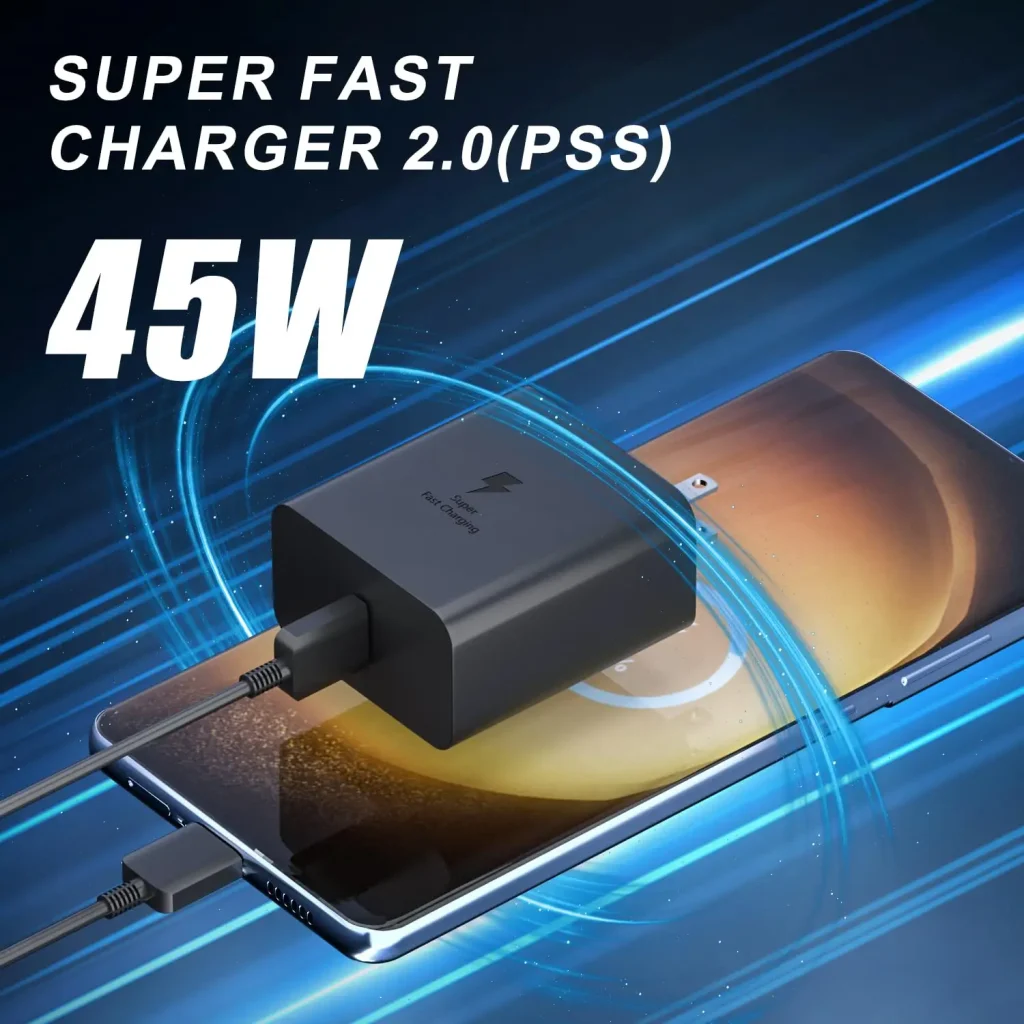
Many people are confused about the difference between slow charging, fast charging, and super flash charging. Today, I’ll explain these three types of mobile phone charging in a clear, simple way, and give you some practical tips for keeping your phone battery healthy.
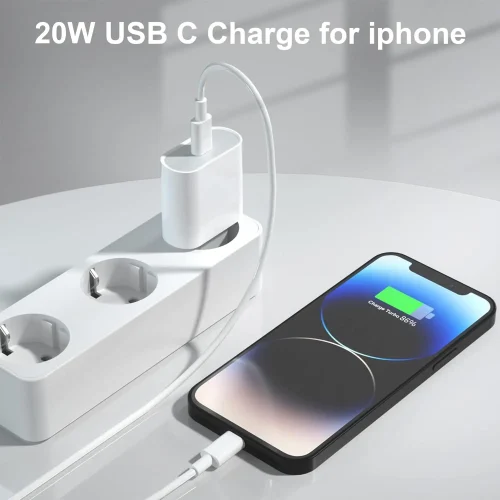
1. Slow Charging (Standard Charging)
Slow charging, also called standard charging, usually uses the traditional USB protocol. The typical output is 5V 1A or 5V 2A, which equals 5W or 10W. This is the slowest charging method.
For example, if you have a 5000mAh battery and use a 5W charger, the calculation is as follows:
- The phone battery voltage is usually 3.7V.
- The charging current:
I=P/U=5W/3.7V≈1.35AI = P / U = 5W / 3.7V \approx 1.35A
- Charging time:
t=5000mAh/1350mA≈3.7 hourst = 5000mAh / 1350mA \approx 3.7 \text{ hours}
Considering energy loss during charging, it actually takes around 4-5 hours to fully charge a 5000mAh battery. On the phone’s notification bar, a single lightning icon usually indicates slow charging.
2. Fast Charging
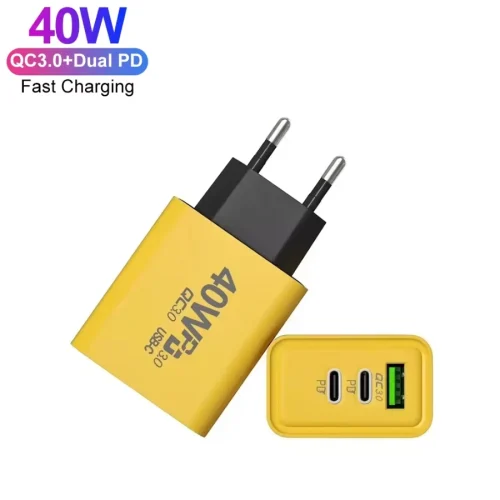
Fast charging works by increasing the voltage, current, or both. Its power typically ranges from 18W to 27W, and common standards include QC (Quick Charge) and PD (Power Delivery). Common chargers are 9V 2A, 9V 3A, etc.
To estimate charging a 5000mAh battery with an 18W fast charger:
- Battery voltage = 3.7V
- Charging current:
I=P/U=18W/3.7V≈4.86AI = P / U = 18W / 3.7V \approx 4.86A
- Charging time = battery capacity / current ≈ 1.2–1.5 hours (factoring in energy loss)
On your phone, fast charging is usually shown with two lightning icons on the status bar.
Fast charging pros and cons:
Pros: Compatible with most phones and cables, low current reduces battery stress.
Cons: Higher voltage may generate heat, which can affect battery longevity.
3. Super Flash Charging (Super Fast Charging)
Super flash charging is the fastest type of charging. Typical power ranges from 40W to 50W, and some manufacturers even support up to 120W.
This uses higher voltage and current combined with proprietary charging protocols.
It requires the manufacturer’s dedicated charger and cable, so it is usually not compatible with third-party chargers.
Charging is dynamic, meaning the power can vary during the process. Manufacturers claim that 80% of the battery can be charged in just 20–30 minutes.
On phones, super flash charging may display a large lightning symbol or gold charging logo, sometimes with text like “Max 67W” or “Super Fast Charge Turbo”.
Flash charging pros and cons:
Pros: Heat is mostly handled by the charger, making it safer for the phone.
Cons: Requires specialized cables and chargers, which are more expensive.
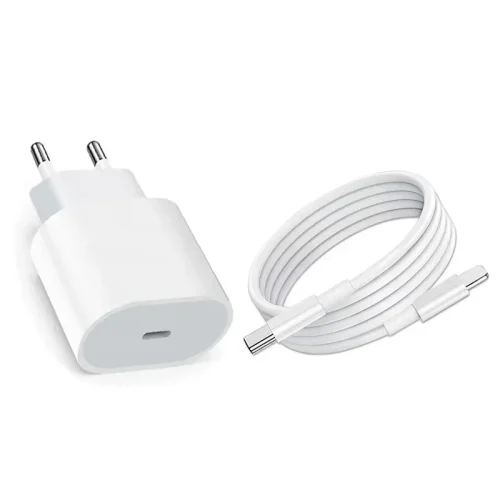
How to Identify Charging Type
Slow charge: One lightning symbol
Fast charge: Two lightning symbols
Super flash charge: Large lightning symbol or gold logo with power rating
Some phones also use different colors to indicate charging speed.
Practical Tips for Charging Your Phone
Keep the phone uncovered during charging – This helps heat dissipate.
Avoid using your phone while charging – Playing games or watching videos generates extra heat and may damage the battery.
Connect the charger before the phone – Always plug the charger into the power source first, then connect the phone.
Avoid long-term USB charging from computers – The output from USB ports is weak and may degrade your battery over time.
Summary
Slow charging is safe but takes hours.
Fast charging is quicker and compatible, but produces more heat.
Super flash charging is the fastest but requires dedicated equipment.
Choose the right charging method based on your phone model and daily needs to balance speed, safety, and battery lifespan.

Fast delivery
Fastest delivery within 22 days

Quick proofing
Fastest 3-day proofing cycle

After-sale protection
24-month long warranty

1V1Customer Service
Professional customer service follow-up