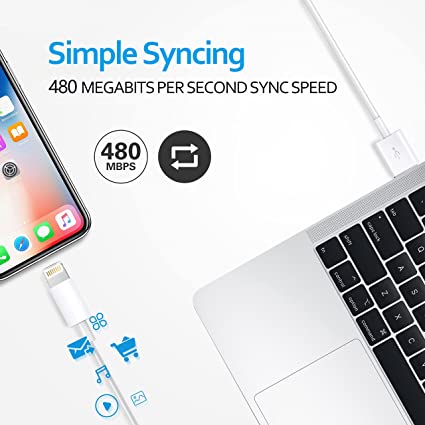
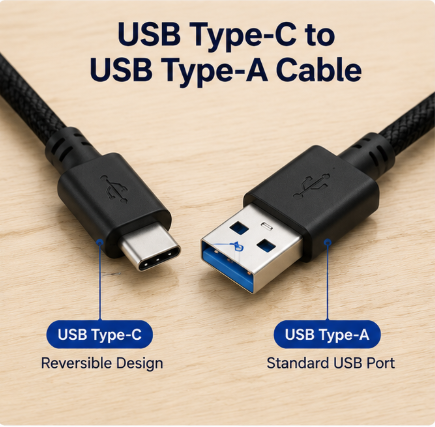
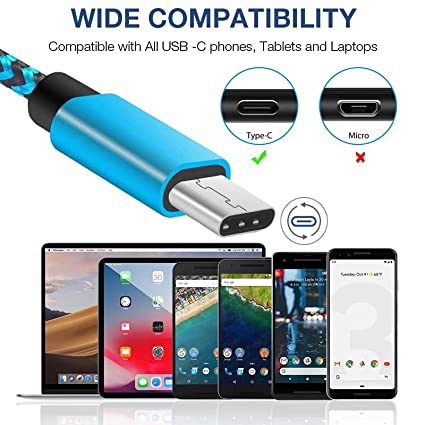
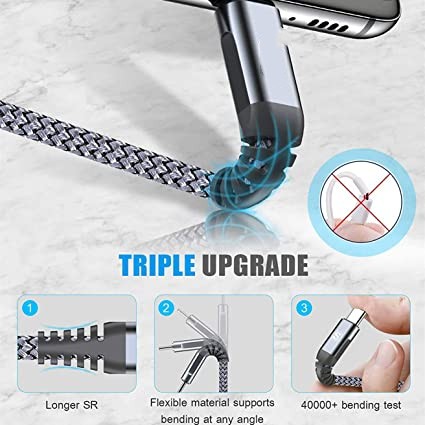
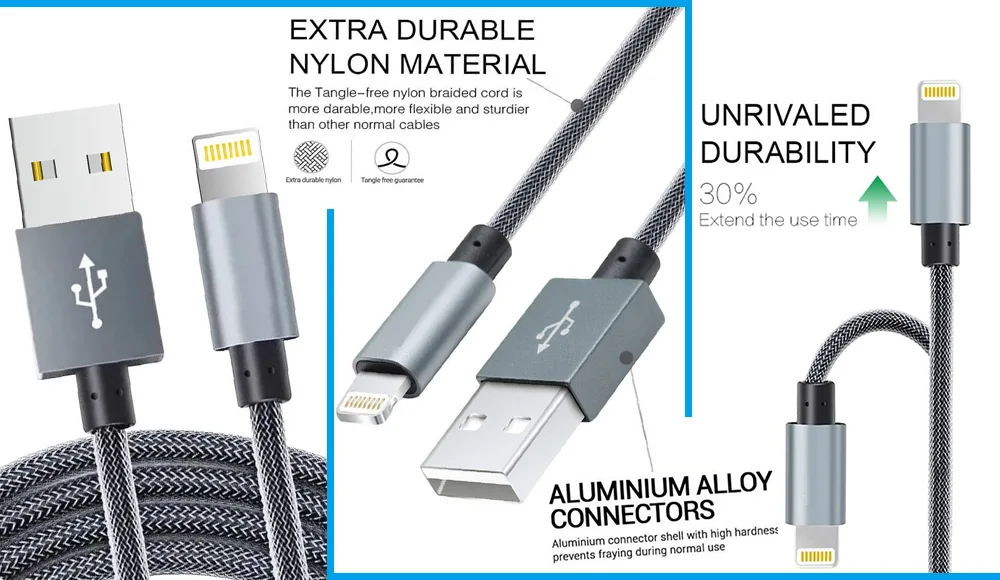
Apple Iphone Charger cable original- Apphone MFi Certified Lightning Cable Nylon Braided
When most people use a charging cable, they only see the outside:
Cable wire
Connector head
Plastic shell
But inside many modern USB-C cables and fast-charging cables, there is a very important hidden part:
PCBA Module (Printed Circuit Board Assembly)
It is a tiny circuit board hidden inside the plastic housing of the connector.
Even though it is extremely small, it plays a very important role in how modern cables work—especially for:
Fast charging
High-power USB-C cables
Data communication
E-Marker chip functions
Safety control
Without the PCBA module, many modern smart charging features would not work at all.
What Is a PCBA Module?
PCBA (Printed Circuit Board Assembly) means a fully assembled circuit board.
It includes:
A small PCB board
Electronic components (like chips and resistors)
Soldered connections
Signal routing circuits
In simple words:
PCBA is a mini brain board inside the USB connector.
It is different from a bare PCB because it already has components installed and working.
Where Is the PCBA Located?
In a USB cable, the PCBA module is usually hidden:
Inside the plastic connector housing
You cannot see it from the outside because it is fully sealed.
The internal structure usually looks like this:
USB Connector Shell
↓
PCBA Module (Circuit Board)
↓
E-Marker Chip (if required)
↓
Connector Pins
↓
Cable Wires
This compact structure allows smart functions inside a very small space.
Why Do USB Cables Need a PCBA Module?
Older USB cables were very simple.
They only needed to:
Carry electricity
Transfer basic data
But modern USB-C cables are much more advanced.
They support:
100W fast charging
240W USB Power Delivery (PD 3.1)
USB4 high-speed data
Smart device communication
Charging safety control
To handle all these functions, a simple wire is not enough.
That’s why manufacturers add:
PCBA smart control circuits
What Does a PCBA Module Do in a USB Cable?
Even though it is small, it performs several important jobs.
1. Signal Routing and Connection Control
The PCBA helps connect:
Power wires
Data lines
Connector pins
Internal chips
It ensures that signals go to the right place without interference.
Think of it like:
A traffic control center for electricity and data
2. Supporting Fast Charging Communication
Modern charging systems like:
USB Power Delivery (PD)
PPS fast charging
require communication between:
Charger
Cable
Device
The PCBA helps manage this communication flow so the charging system can negotiate:
Voltage
Current
Power level
3. Hosting Smart Chips (Like E-Marker)
In many high-power USB-C cables, the PCBA is the base for:
E-Marker Chips
These chips tell the charger:
“I support 100W”
“I support 240W”
“I can safely carry 5A current”
Without PCBA, these chips cannot function properly.
4. Improving Signal Stability
For high-speed data cables like:
USB 3.2
USB4
Thunderbolt
signal quality is extremely important.
The PCBA helps reduce:
Signal loss
Interference
Noise
Crosstalk
This ensures stable and fast data transmission.
5. Enhancing Charging Safety
Modern USB cables must handle high power safely.
The PCBA helps support:
Overcurrent protection
Voltage regulation
Communication validation
Temperature-related stability
This is especially important for:
100W–240W fast charging cables
Why PCBA Is Important in Modern USB-C Cables
Without PCBA modules, many advanced features would not exist.
For example:
No smart fast charging negotiation
No 100W or 240W safe charging
No USB4 stable data transfer
No intelligent device communication
In simple terms:
PCBA makes a USB cable “smart” instead of just a wire
What Materials Are Used in PCBA Modules?
A typical USB PCBA includes:
1. FR-4 PCB Material
Strong insulation
Heat resistance
Stable structure
2. Copper Traces
Carry electrical signals
Provide circuit pathways
3. Soldered Components
E-Marker chips
Resistors
Capacitors (in some designs)
PCBA vs Normal USB Cable (Big Difference)
| Feature | Normal Cable | Cable with PCBA |
|---|---|---|
| Charging Speed Control | No | Yes |
| Smart Communication | No | Yes |
| E-Marker Support | No | Yes |
| USB4 Compatibility | Limited | Full support |
| Safety Protection | Basic | Advanced |
Why Cheap USB Cables Skip PCBA
To reduce cost, low-quality cables often:
Remove PCBA
Use simpler wiring
Skip smart chips
This leads to problems like:
Unstable charging
No fast charging support
Frequent disconnection
Poor compatibility
Even if they look similar externally, performance is very different.
How PCBA Affects Charging Speed
Charging speed is not only about the charger.
It depends on:
Cable quality
PCBA communication
E-Marker verification
Device compatibility
If the PCBA is high quality:
Fast charging works smoothly and safely
If not:
Charging may be limited
Speed may drop
Device may not recognize cable properly
The Future of PCBA in USB Cables
As USB technology evolves, PCBA modules will become even more important.
Future cables may include:
More advanced smart chips
Higher power management systems
Faster data routing circuits
Better thermal control designs
PCBA will continue to be the “hidden brain” of smart cables.
Conclusion
Although it is hidden inside the connector, the:
PCBA Module (Printed Circuit Board Assembly)
plays a critical role in modern USB cables.
It helps manage:
Power transmission
Fast charging communication
Data signal stability
Smart chip operation
Safety protection
Without it, modern features like 100W and 240W USB-C fast charging would not work properly.
So next time you use a USB cable, remember:
Inside that small plastic head, there is a tiny circuit board quietly making everything work smarter, faster, and safer.
USB cable.
Picture this: You’re sitting at your desk, engrossed in a project
Where Can I Buy a High-Quality Pd Fast Charging Cable?
1 cable
USB-C cables certainly.
Share This Artcle:

Fast delivery
Fastest delivery within 22 days

Quick proofing
Fastest 3-day proofing cycle

After-sale protection
24-month long warranty

1V1Customer Service
Professional customer service follow-up
Lorem ipsum dolor sit amet, consectetur adipiscing elit. Ut elit tellus, luctus nec ullamcorper mattis, pulvinar dapibus leo.